Maintenance 33
Cleaning Your Printer
To maintain print quality, follow the cleaning procedures below, each time the toner
cartridge is replaced or
if print quality problems occur
.
NOTE: Do not touch the transfer roller located under the toner cartridge when cleaning inside the
printer. Oil from your fingers may cause print quality problems.
CAUTION: Cleaning solvents that contain alcohol or other strong substances may discolor or
crack the printer cabinet.
Cleaning the Exterior
Clean the printer cabinet with a soft, damp, and lint-free cloth. Do not let water drip onto
the printer or inside the printer.
Cleaning the Interior
Paper, toner, and dust particles can accumulate inside the printer and cause print quality
problems, such as smearing or toner specks. Clean inside the printer to prevent these
problems.
1
Power the printer off and unplug the power cord. Wait approximately 10 minutes for the
printer to cool down.
2
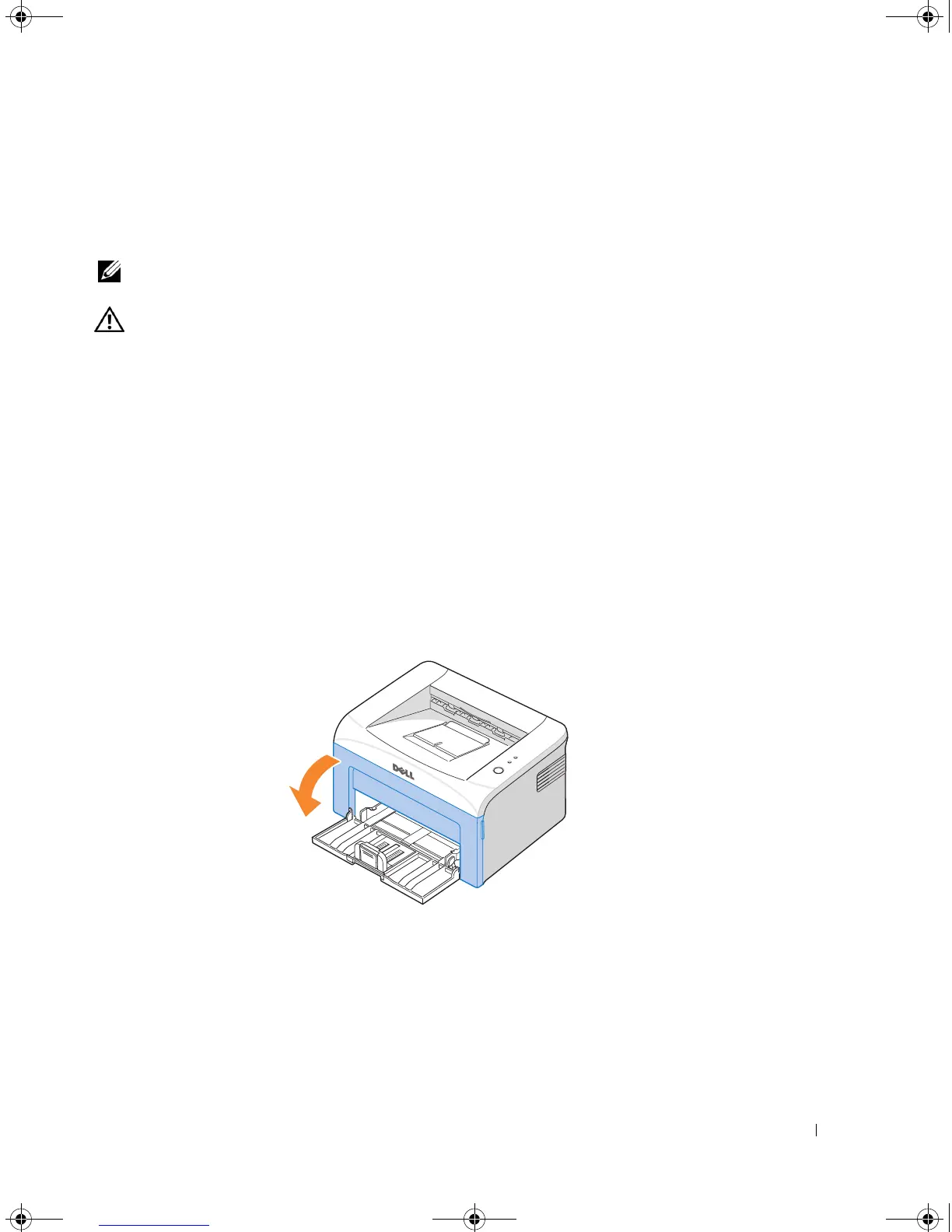
Open the front cover.
1100-OM_EN.book Page 33 Friday, May 20, 2005 3:14 PM











 To Next Page