30 Maintenance
www.dell.com | support.dell.com
Replacing the Toner Cartridge
CAUTION: Before performing any of the procedures listed in this section, read and follow the
safety information on page 1.
CAUTION: Do not touch the green underside of the toner cartridge. Use the handle on the
cartridge to avoid touching this area.
When the toner cartridge is near the end of its life, on the operator panel lights
orange. Additional pages may be printed, but white streaks or light print will occur. Gently
shake the toner cartridge from side-to-side 5 or 6 times to distribute the toner evenly and
temporarily improve print quality.
When the toner eventually runs out, only blank pages print. At this stage, the toner
cartridge needs to be replaced.
To order more toner, go to www.dell.com/supplies.
CAUTION: For best results, use Dell toner cartridges. Print quality and printer reliability are not
guaranteed if you do not use Dell supplies.
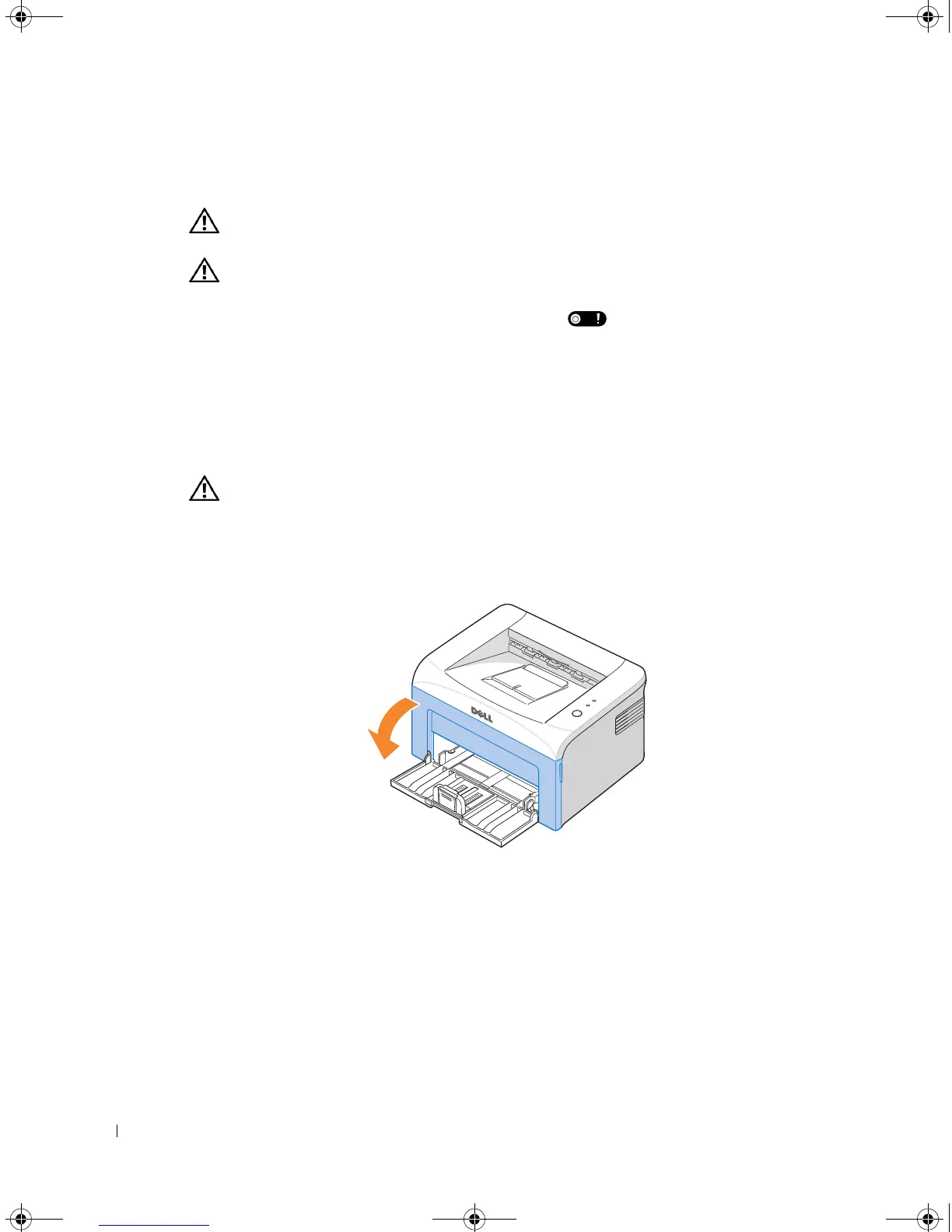
To replace the toner cartridge:
1
Open the front cover.
1100-OM_EN.book Page 30 Friday, May 20, 2005 3:14 PM











 To Next Page