1-8 Dell
®
1700 Flat Panel Monitor User’s Guide
Automatic Save
Whenever you open the on-screen menu and allow an adjustment window to remain
on-screen for about three seconds without pressing another button, this monitor automati-
cally saves any adjustments you have made. These changes are saved into a user area in
the monitor. User areas are reserved according to the signal frequency from your com-
puter. This monitor can save adjustments for up to five user modes. It has ten factory
preset or preload modes, one for each signal frequency as listed in the “Preset timing
modes” on page16.
If you have made no adjustments, the on-screen menu disappears and the monitor does
not save anything.
Direct-Access Features
The features described on this page can be accessed quickly, at the touch of one button.
Once you are finished making adjustments to a feature, push the EXIT button to turn off
the menu.
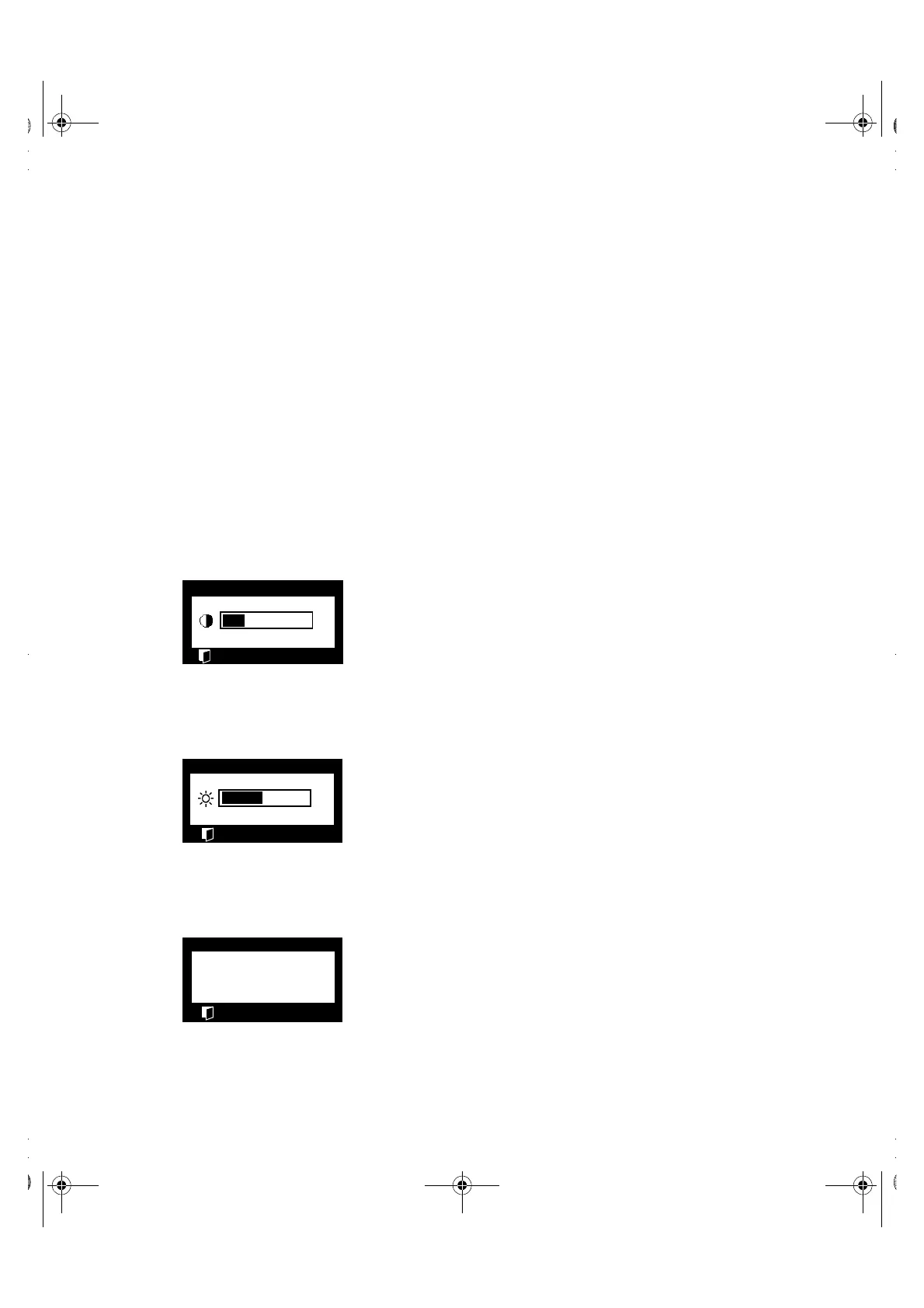
Contrast
Follow these instructions to adjust the contrast between dark-
ness and lightness on the monitor’s display.
1. With the menu off, push the “–” or “+” button. The
contrast display will appear.
2. Push the “+” button to increase the contrast; push
the “−−” button to decrease the contrast.
Brightness
Follow these instructions to adjust the brightness of the moni-
tor’s display.
1. With the menu off, push the “ “6” ” or “ “5” ” button. The
brightness display will appear.
2. Push the “ “5” ” button to increase the brightness;
push the ““6” ” button to decrease the brightness.
Auto Adjustment
Follow these instructions to enable or disable the automatic
screen adjustments for your monitor.
1. With the menu off, push the EXIT button. The auto-
matic adjustment display will appear.
2. Follow the directions previously given on page5.
➝
Contrast
16
–
+
Brightness
44
6
5
➝
Auto Adjustment
No
–
Yes
+
➝
1700FP-E.book Page 8 Monday, November 2, 1998 4:51 PM



 To Next Page