Dell
®
1700 Flat Panel Monitor User’s Guide 1-3
Installation
This monitor offers a method for connection to both a PC and a workstation. One or both
types of signal cables can be connected to the monitor simultaneously. Determine which
connection method(s) you need and refer to the instructions below..
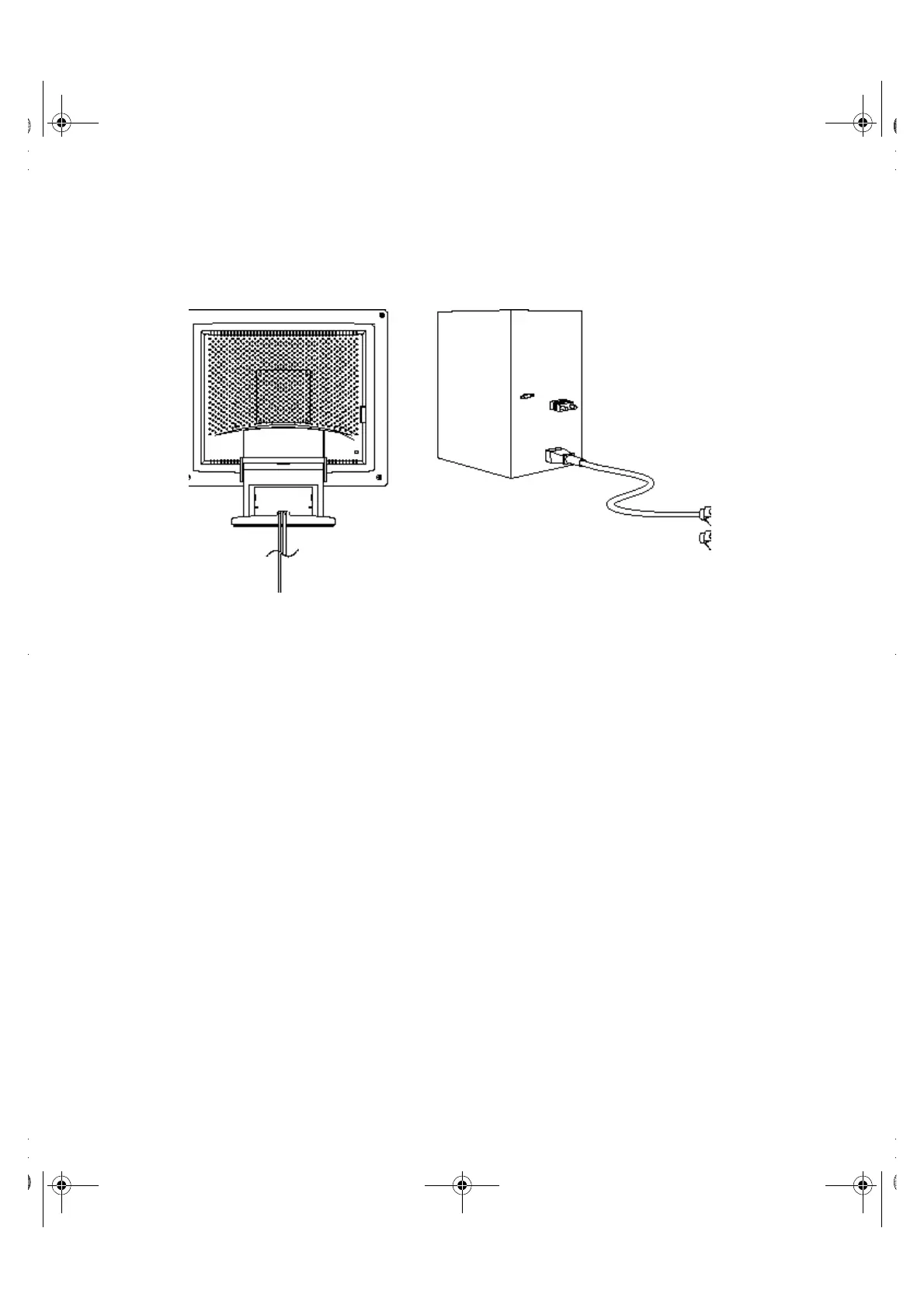
Figure 1-3. Connecting your monitor to a PC
1. Turn off your computer and unplug its power cord.
2. Attach the blue signal cable connector to the video port on the back of your
computer.
3. Connect the power cord for your monitor to the power port on the power
adapter.
4. Plug the power cords of your computer and your monitor into a nearby
outlet.
5. Turn on your computer and monitor. If your monitor displays an image,
installation is complete.
6. Perform the auto adjustment procedure as described in “Auto Adjustment”
on page5.
1700FP-E.book Page 3 Monday, November 2, 1998 4:51 PM



 To Next Page