Dell
®
1700 Flat Panel Monitor User’s Guide 1-11
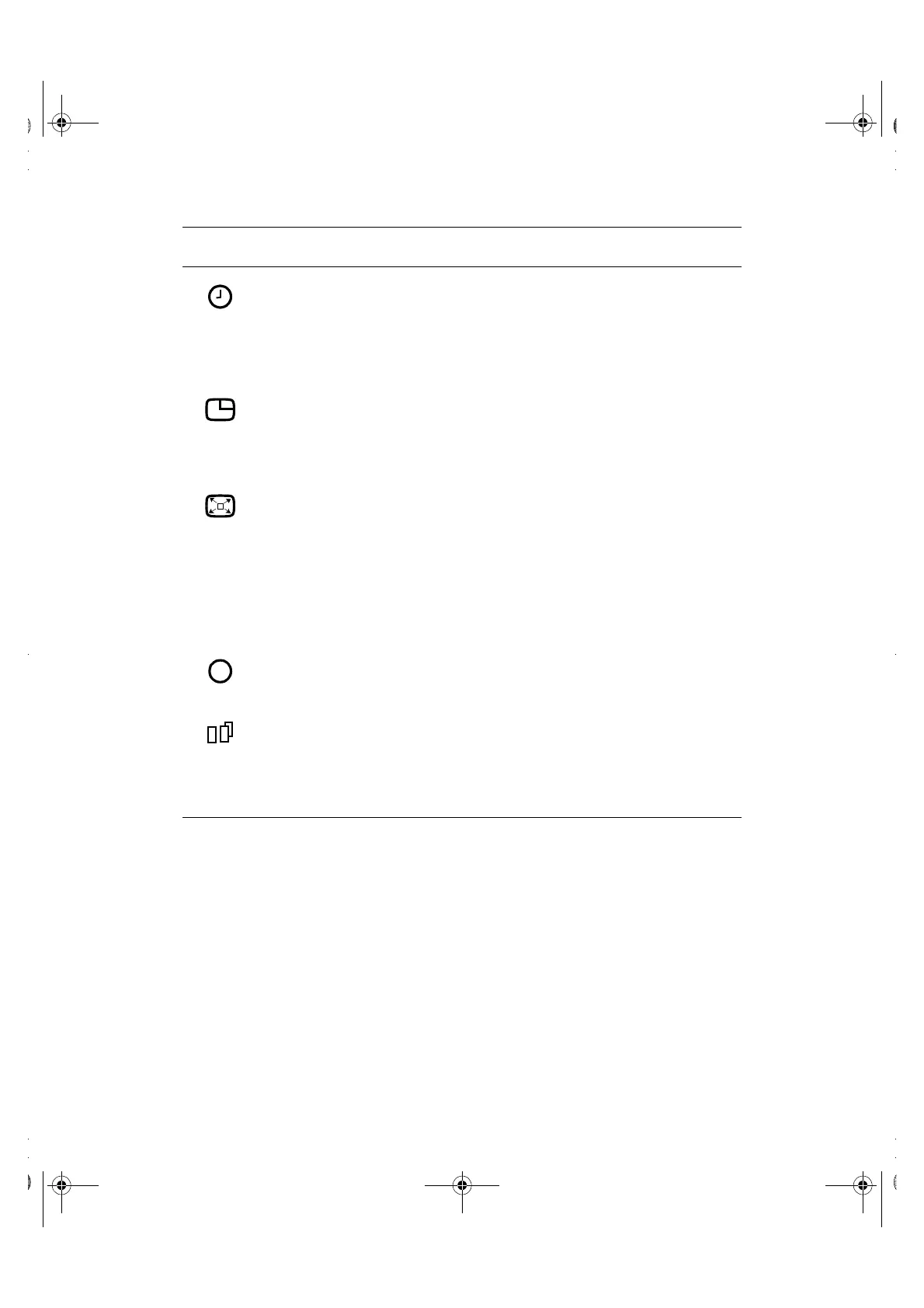
Menu Display
Time:
• 5
• 10
• 20
• 200
The OSM stays active for as long as it is in use. The
Menu Display Time sets the length of time the OSM
will remain active after the last time you pushed a
button.
Menu Position:
• Horizontal
• Vertical
Select this icon to change the position of the OSM on
the screen. The “–” and “+” buttons move the OSM.
Select the Horizontal function to move the OSM to the
left or right; select the Vertical function to move the
OSM up or down.
Image Size:
• Normal
• Expand 1
• Expand 2
If you computer or video board supplies a signal rate
and addressability lower than 1280 x 1024, this FPD
monitor provides a scaling processor that can expand
the addressability up to 1280 x 1024. Select the Normal
setting to use the normal size viewing area for the
current signal. Select Expand 1 to expand the viewing
area to the full width of the monitor screen. Select
Expand 2 to extend the viewing area both horizontally
and vertically to the full size of the monitor screen.
Display Mode: Select this icon to view the current user mode. This
screen only displays information; you cannot select a
new setting.
Image Effect:
• Scaling
• Filtering
Select this icon to optimize the display for the type of
software you are using.
Scaling smooths an image which may help the eye to
see more detail. Filtering sharpens text by adding a fine,
contrasting line around each character so that it is easier
to recognize.
Table 1-1. Menu adjustments (continued)
Icon Settings and
Sub-menus
Description
i
1700FP-E.book Page 11 Monday, November 2, 1998 4:51 PM



 To Next Page