Dell
®
1700 Flat Panel Monitor User’s Guide 1-1
Dell
®
1700 Flat Panel Monitor
User’s Guide
Overview of Your Monitor
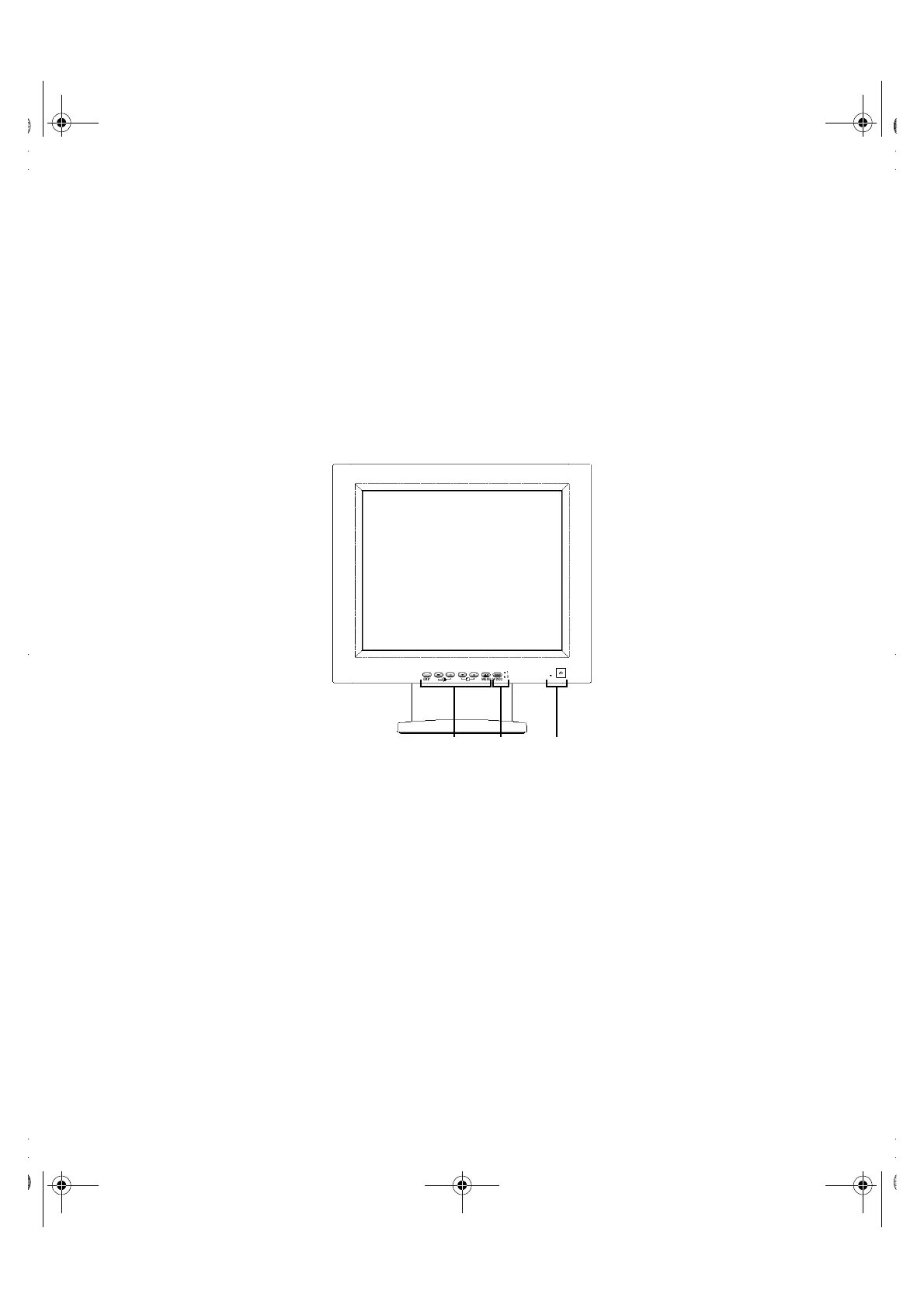
Figure 1-1. Front panel
1. User controls
Use these buttons to adjust the image to your liking.
2. Video input selector and indicator lights
Your 1700FP flat panel monitor allows you to connect both a computer system and a
workstation to it at the same time. Use this button to select which system your moni-
tor should display.
3. Power button and indicator light
Use this button to turn the monitor on and off. The power indicator light glows green
during normal operation.
1700FP-E.book Page 1 Monday, November 2, 1998 4:51 PM



 To Next Page