Loading Paper
Loading the 250-Sheet and 550-Sheet Trays
Loading the Manual Feeder
Using the Rear Exit
Loading the 250-Sheet and 550-Sheet Trays
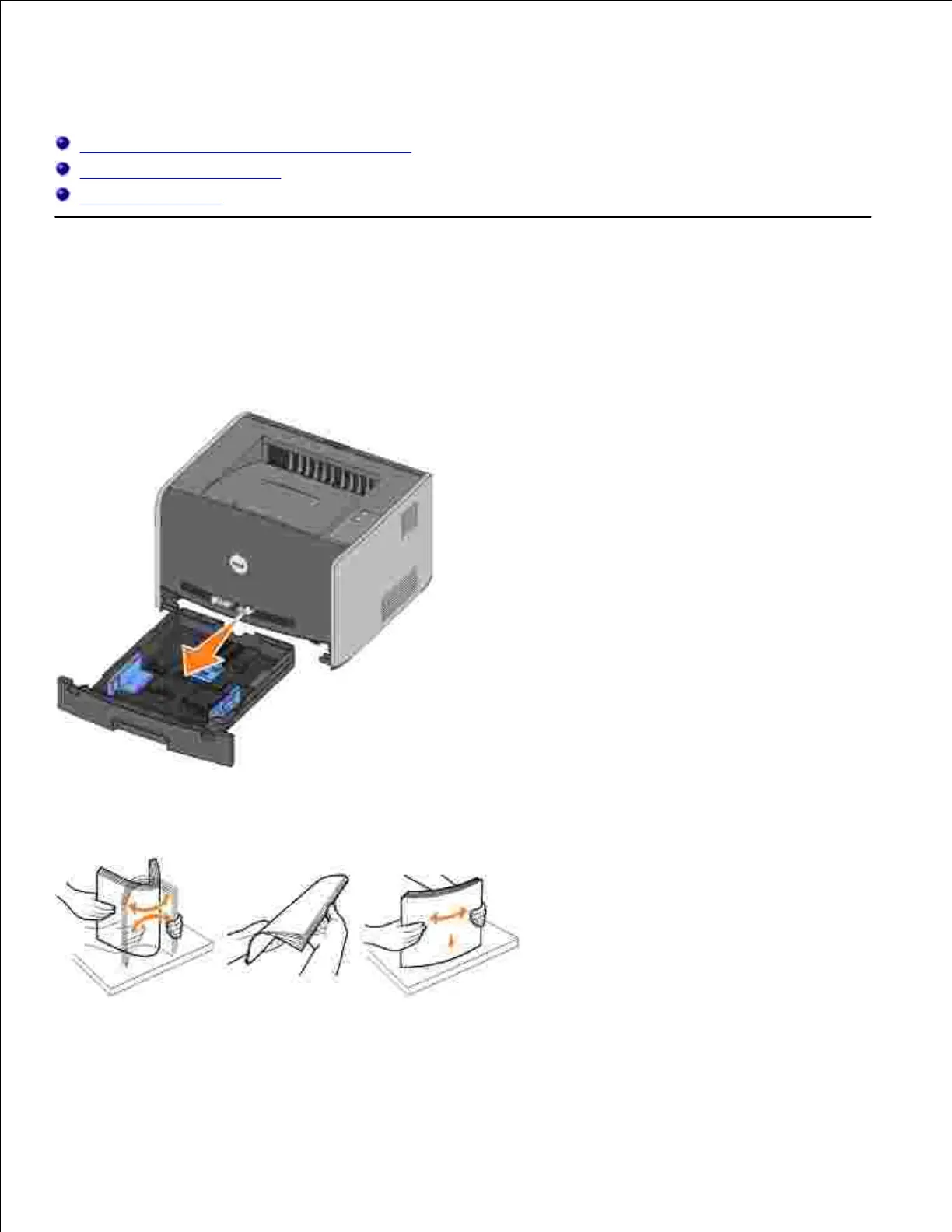
Follow these instructions to load paper in the 250-sheet tray and 550-sheet tray.
Remove the tray.1.
Prepare a stack of paper for loading by flexing or fanning it back and forth. Straighten the edges on a
level surface.
2.
Load the paper in the tray with the print side facing down.3.
Make sure the paper is below the max fill line on the side guides. Overloading may cause jams.
4.



 To Next Page