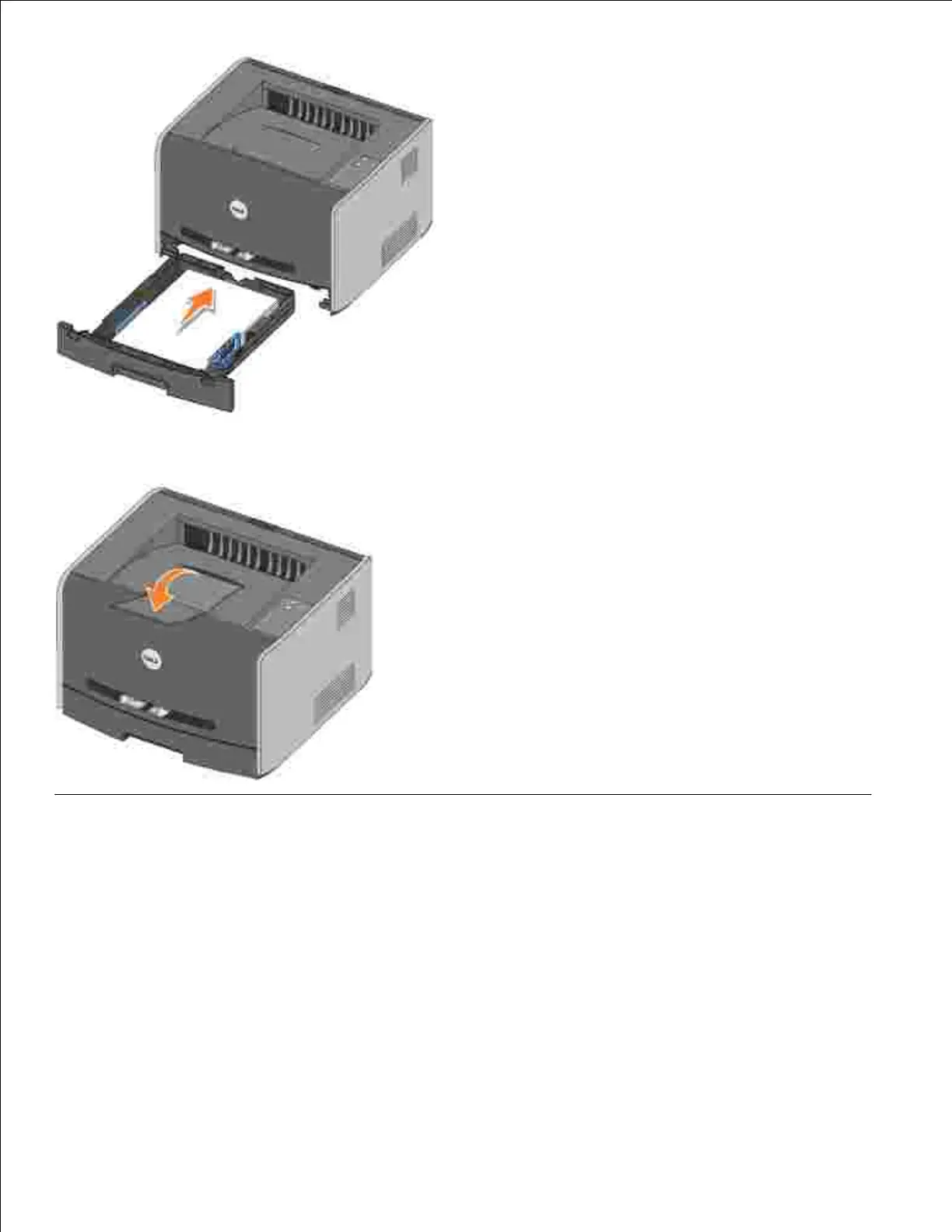
5.
Extend the paper support on the output bin.6.
Loading the Manual Feeder
The manual feeder is located at the front of your printer and can only feed one sheet of print media at a
time. You can use the manual feeder to make quick runs of paper types or sizes that are not currently loaded
in the paper tray.
To load the manual feeder:
Place a sheet of the selected print media, print side facing up, at the center of the manual feeder, but
only to the point where its leading edge can contact the paper guides. Otherwise, the printer will
engage the print media too soon and likely skew the print job.
1.
2.



 To Next Page