Preparing the Printer
Installing the 550-Sheet Optional Drawer
Installing an Optional Memory Card
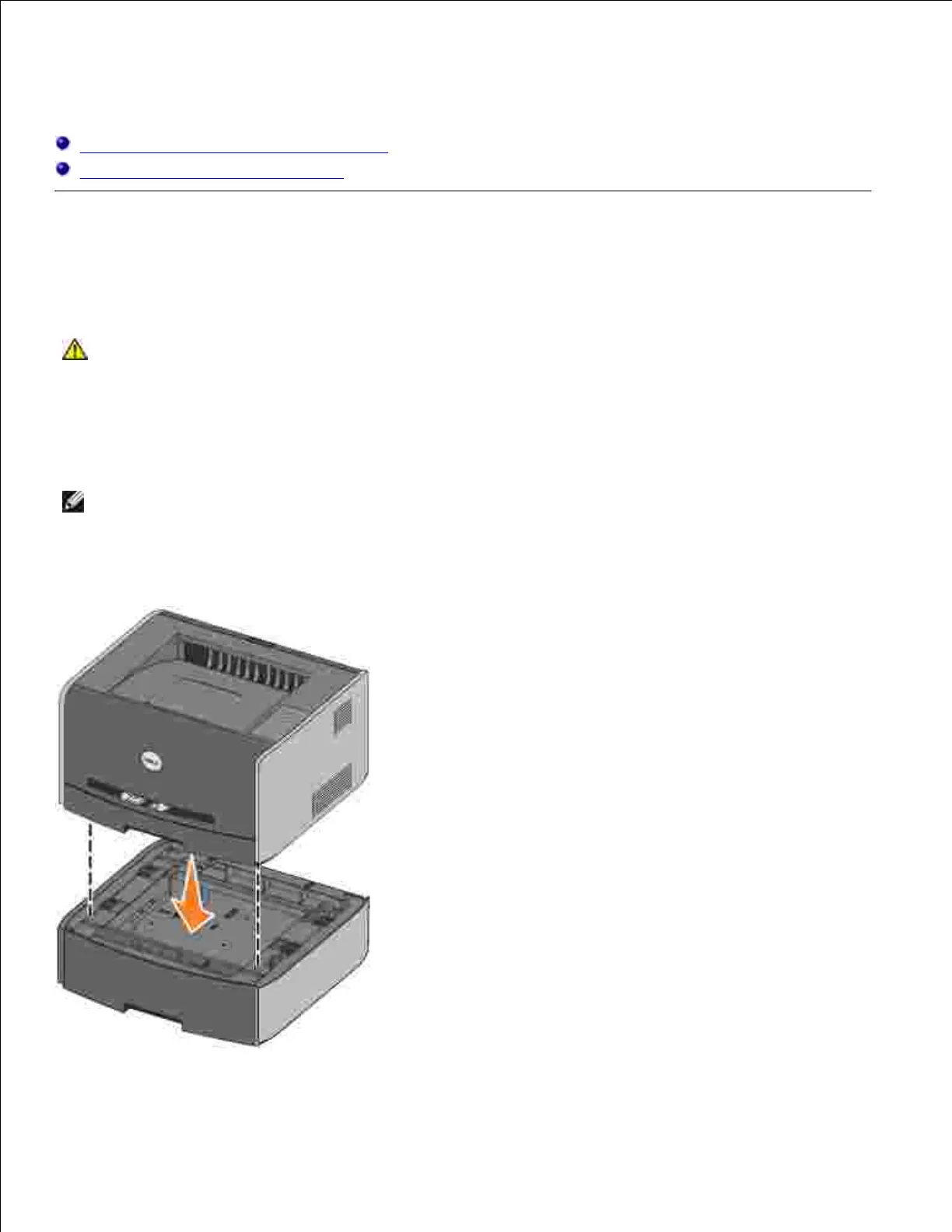
Installing the 550-Sheet Optional Drawer
Your printer supports one optional drawer that lets you load up to 550 sheets of paper.
CAUTION: If you are installing a 550-sheet drawer after setting up the printer, turn the
printer off, and unplug the power cord before continuing.
Unpack the 550-sheet drawer, and remove any packing material.1.
Place the drawer in the location you have chosen for your printer.2.
NOTE: If you have optional memory to install, leave clearance on the right side of the printer.
Align the holes in the printer with the positioning posts on the 550-sheet drawer, and lower the printer
into place.
3.
Specifying the media type and size loaded into each tray will help prevent jams. See Configuring the Paper



 To Next Page