EasyManua.ls Logo

Dell 1710 - Secondary Error Codes

Dell 1710
116 pages
Print Icon
To Next Page IconTo Next Page
To Previous Page IconTo Previous Page
Loading...
Load media
Load manual feeder
Print side two of a duplex job
Invalid engine code
Invalid network code
Toner Low
Imaging drum near full
Replace imaging drum
Replace imaging drum (printer
hard stop)
Unsupported toner cartridge
Toner cartridge not installed
Change invalid toner cartridge
Programming engine code
Programming system code
Cancel job
Reset printer
Service error
Printer error*
Paper jam printer error*
* See Secondary error codes for more information.
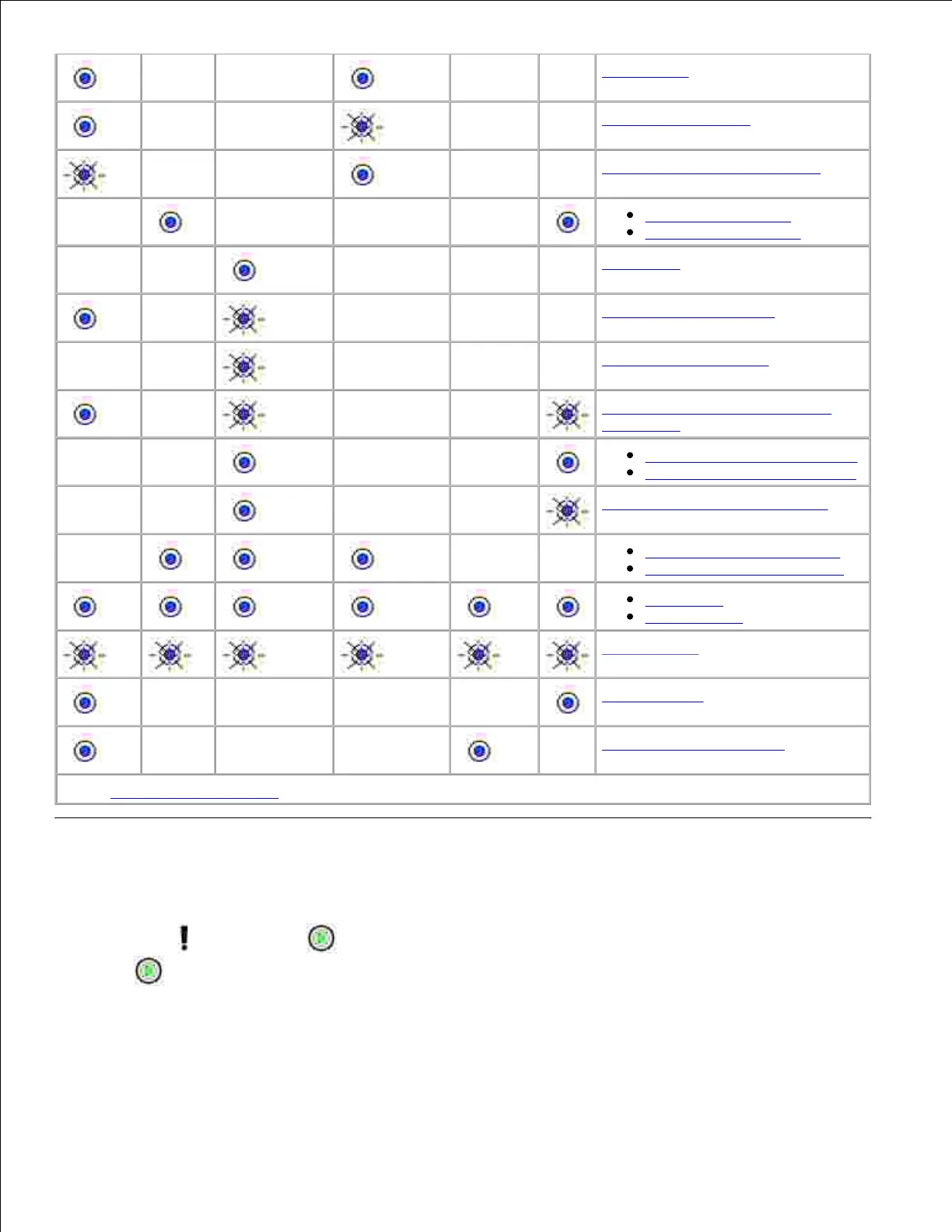
Secondary error codes
When the Error and Continue lights are both on, a secondary error occurred. Press and release
Continue twice quickly to display secondary error code light sequences. The following table shows what
these light sequences mean and what you can do.

Table of Contents

Related product manuals