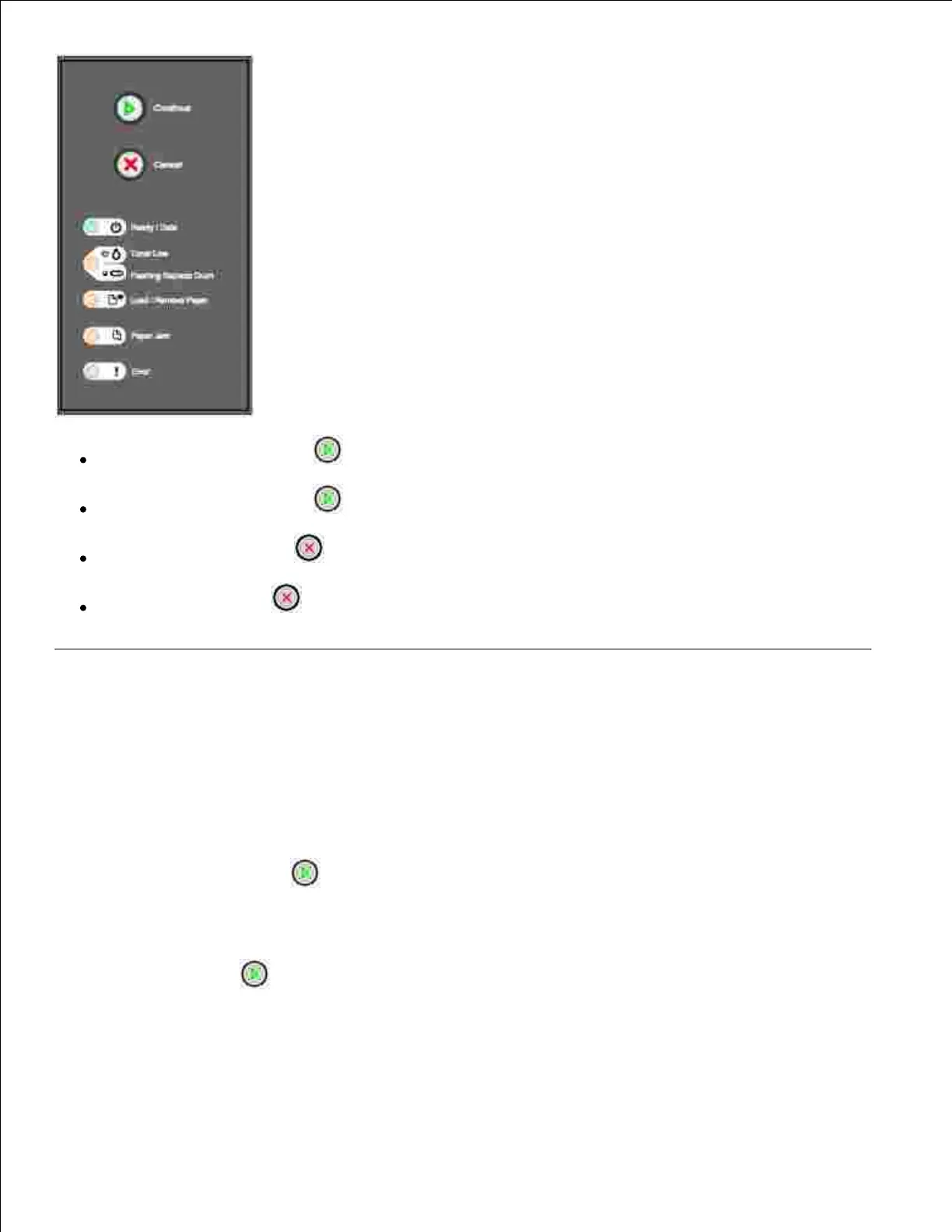
Press and release Continue to resume printing.
Press and release Continue twice quickly to display an error code.
Press and release Cancel to cancel the job currently printing.
Press and hold Cancel until all of the lights come on to reset the printer.
Printing the Printer Settings Configuration Sheet
To print the Printer Settings Configuration sheet:
Turn the printer off.1.
Open the upper front door.2.
Press and hold Continue as you turn the printer on.3.
All the lights cycle.
Release Continue .4.
Close the upper front door.5.
The light sequence that represents the Home menu is displayed.
6.



 To Next Page