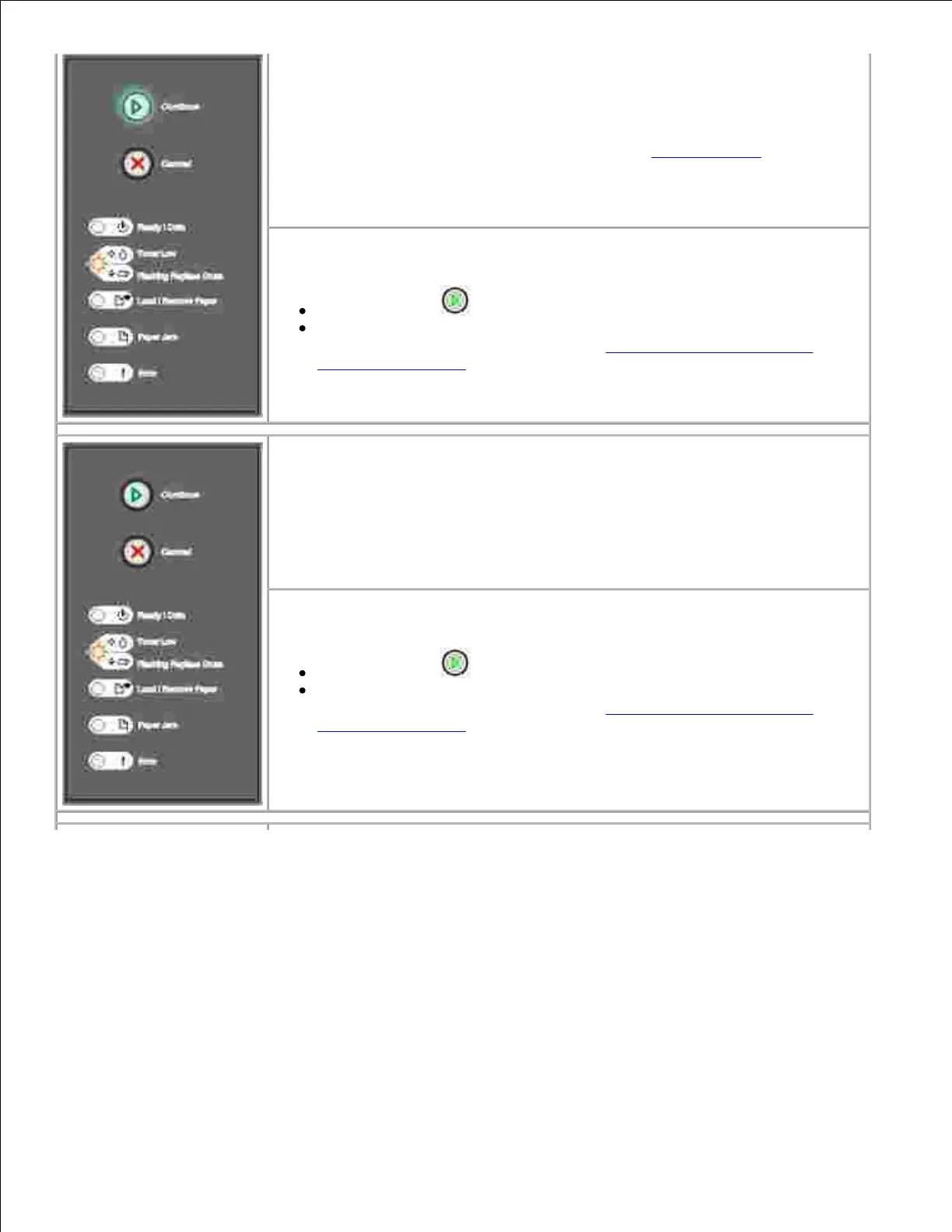
What this light sequence means:
The imaging drum is almost full and will need replacing soon.
NOTE: The Toner Alarm must be turned on in the Setup Settings for this
message to appear.
What you can do:
Press Continue to resume printing.
Print a Printer Settings Configuration Page to determine the imaging
drum level. For more information, see Printing the Printer Settings
Configuration Sheet.
What this light sequence means:
The imaging drum is approaching full and will need replacing.
What you can do:
Press Continue to resume printing.
Print a Printer Settings Configuration Page to determine the imaging
drum level. For more information, see Printing the Printer Settings
Configuration Sheet.



 To Next Page