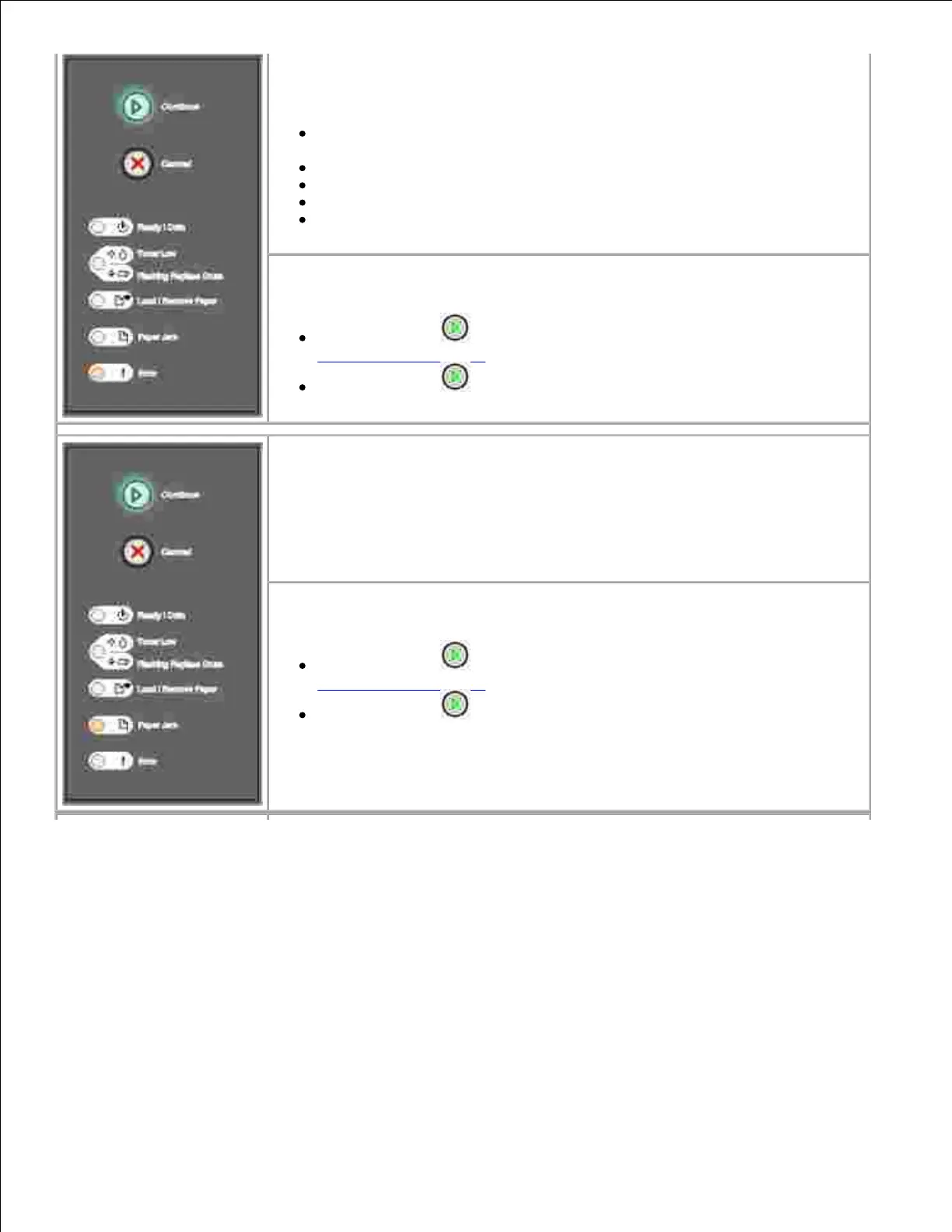
What this light sequence means:
The printer has one of the following errors:
Memory is full, insufficient to save what is in the buffer, or insufficient to
defragment flash memory.
A page is too complex to print or is shorter than the set page margins.
Resolution of a formatted page is reduced to 300 dpi.
A font error occurred.
Communication with the host computer is lost.
What you can do:
Press Continue twice quickly to see the secondary error code. See
Secondary error codes for more information.
Press Continue to clear the secondary message.
What this light sequence means:
The printer has a paper jam.
What you can do:
Press Continue twice quickly to see the secondary error code. See
Secondary error codes for more information.
Press Continue to resume printing once all the jammed pages are
cleared from the paper path.



 To Next Page