www.dell.com | support.dell.com
20 Using Your Projector
Adjusting the Projected Image
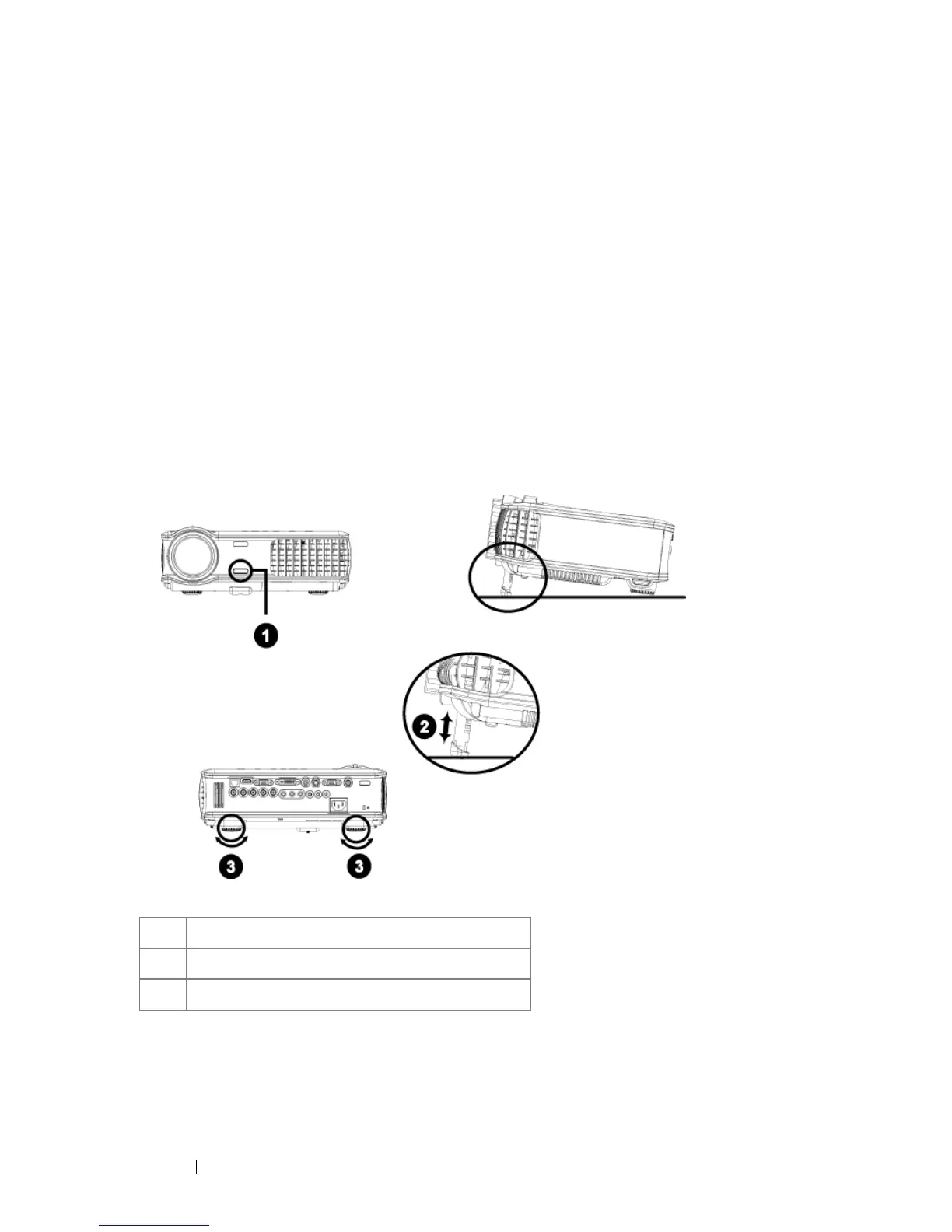
Raising the Projector Height
1
Press the elevator button.
2
Raise the projector to the desired display angle, and then release the button to
lock the elevator foot into position.
3
Use the tilt adjustment wheel to fine-tune the display angle.
Lowering the Projector Height
1
Press the elevator button.
2
Lower the projector, and then release the button to lock the elevator foot into
position.
1 Elevator button
2 Elevator foot
3 Tilt adjustment wheel



 To Next Page