Using Your Projector 33
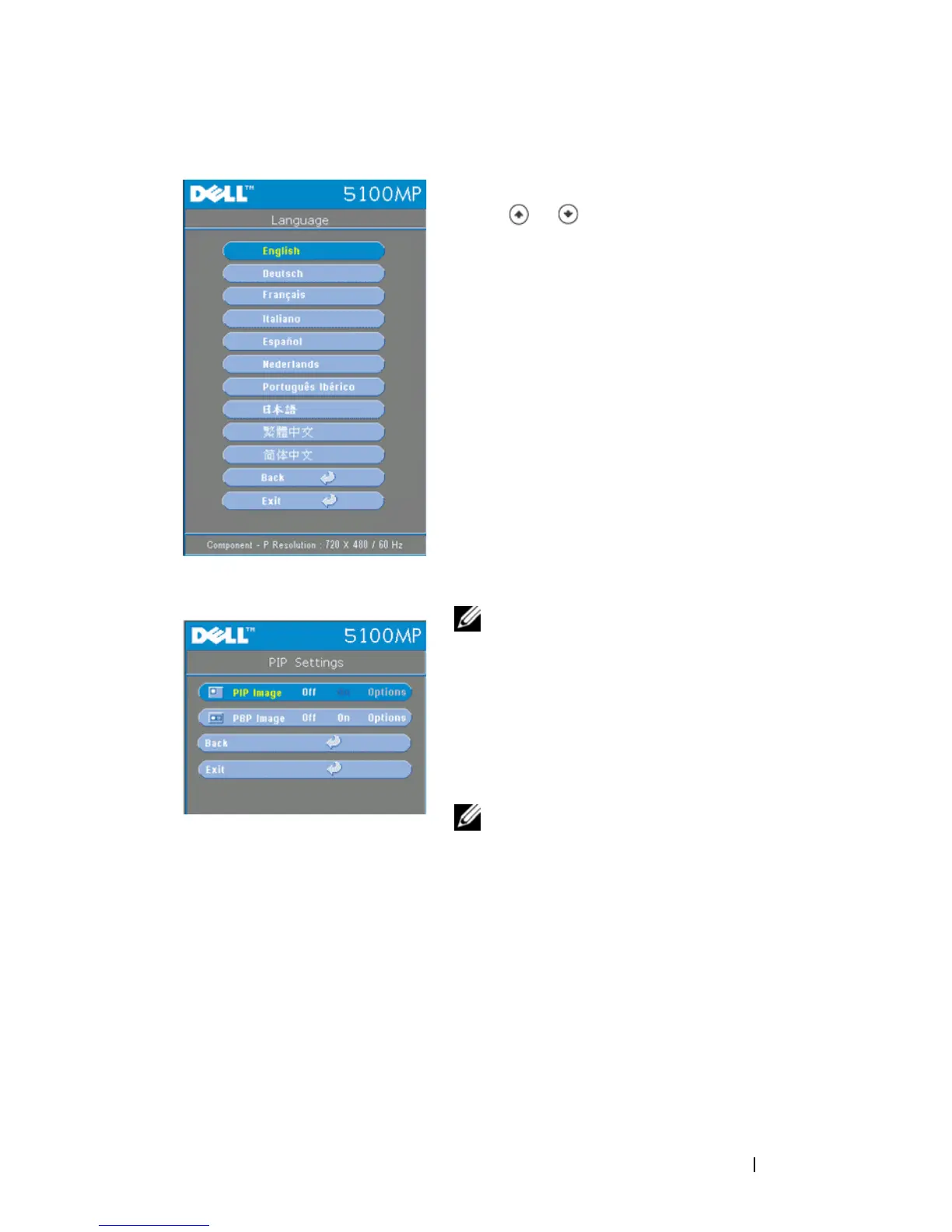
Language Menu
Press or to select the preferred
language for the OSD.
PIP Setting Menu
NOTE 1: PIP Image is enabled only
when both the following types of signals
are connected to the projector.
Type 1: S-Video, Composite Video, M1-D,
and
Type 2: D-sub, BNC, Component, HDMI,
M1 signals.
NOTE 2: When swapping the
foreground and background displays, the smallest screen size of foreground
display will vary depending on different combinations of signal sources for
PIP.


 To Next Page