www.dell.com | support.dell.com
28 Using Your Projector
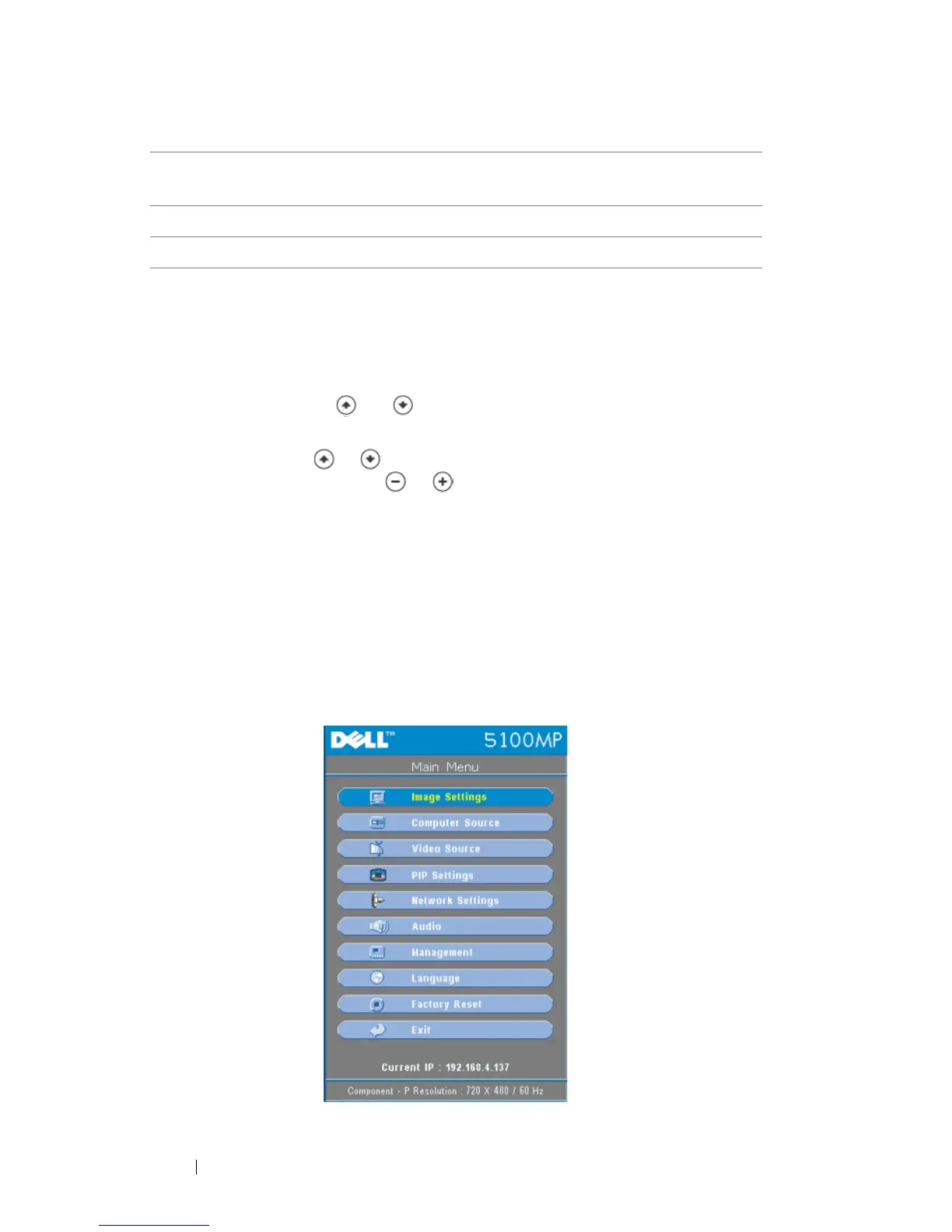
Using the On-Screen Display
The projector has a multi-language On-Screen Display (OSD) that can be
displayed with or without an input source present.
In the Main Menu, press or to navigate through the tabs. Press Enter
button on the control panel or the remote control to select a submenu.
In the submenu, press or to make a selection. When an item is selected, the
color changes to dark blue. Use or on the control panel or the remote
control to make adjustments to a setting.
To back to the previous OSD, go to Back tab and press Enter button on the control
panel or the remote control.
To exit the OSD, go to Exit tab and press Enter button on the control panel or the
remote control.
Image Settings
3 Wireless USB mouse
dongle
The wireless USB device for controlling PC or
Notebook mouse through the remote control.
4 Remote cover The back cover of the remote control.
5 Battery chamber The chamber of the battery.


 To Next Page