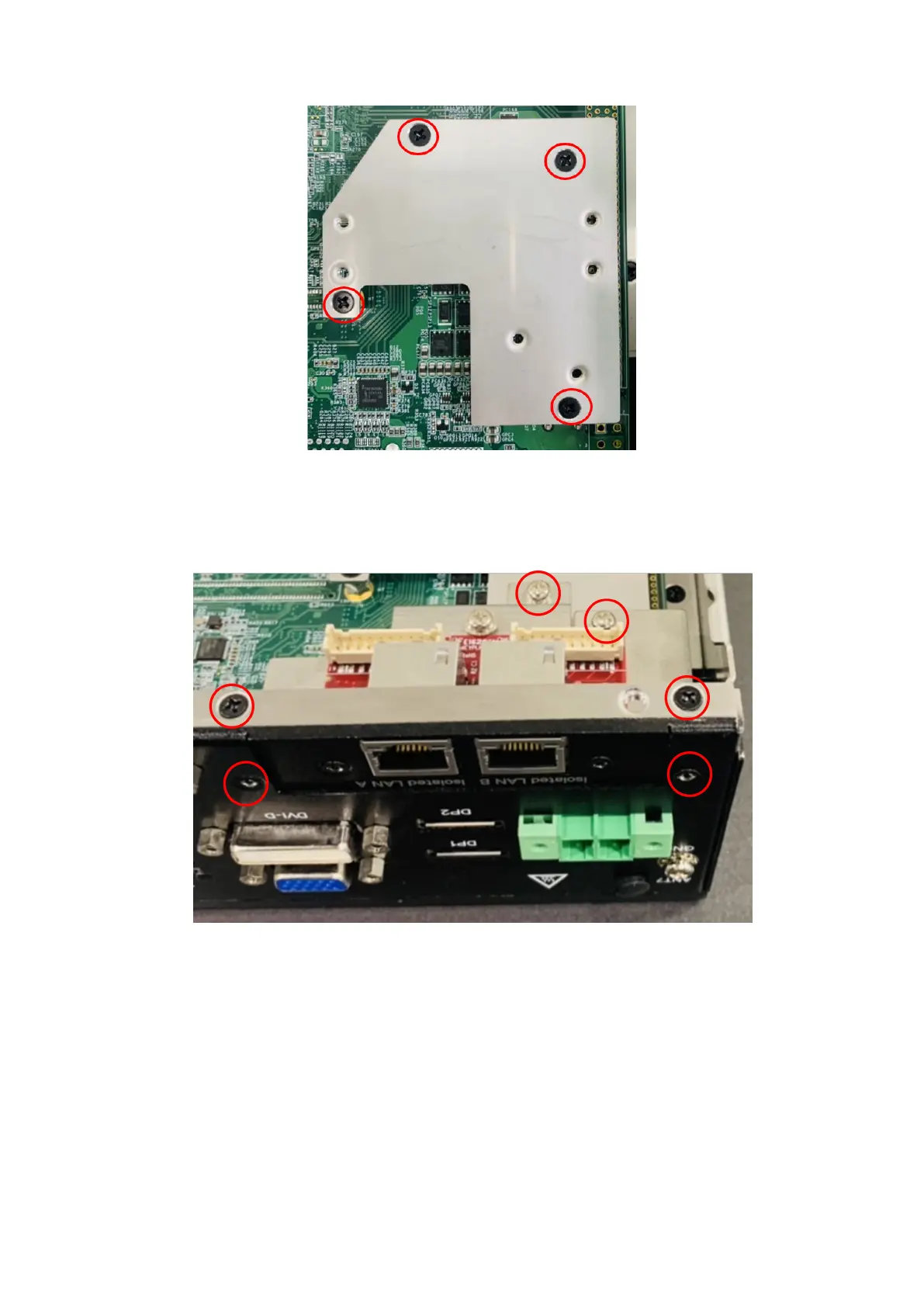
Figure 102. Bracket installed
11. Secure the GbE LAN I/O panel to the front I/O panel. Use the two screws to the sides of the GbE LAN I/O panel and the
two screws on the bottom edge of the chassis. Use two M3 x 6L screws to secure the module to the bracket, as shown in
the following figure.
Figure 103. GbE LAN module installed
12. Install the GbE LAN mPCIe module on the motherboard. Use the two M2.5 x 6L screws in the corners of the module, as
shown in the following figure.
Installation procedure for 2x GbE LAN uFM module
61















 To Next Page