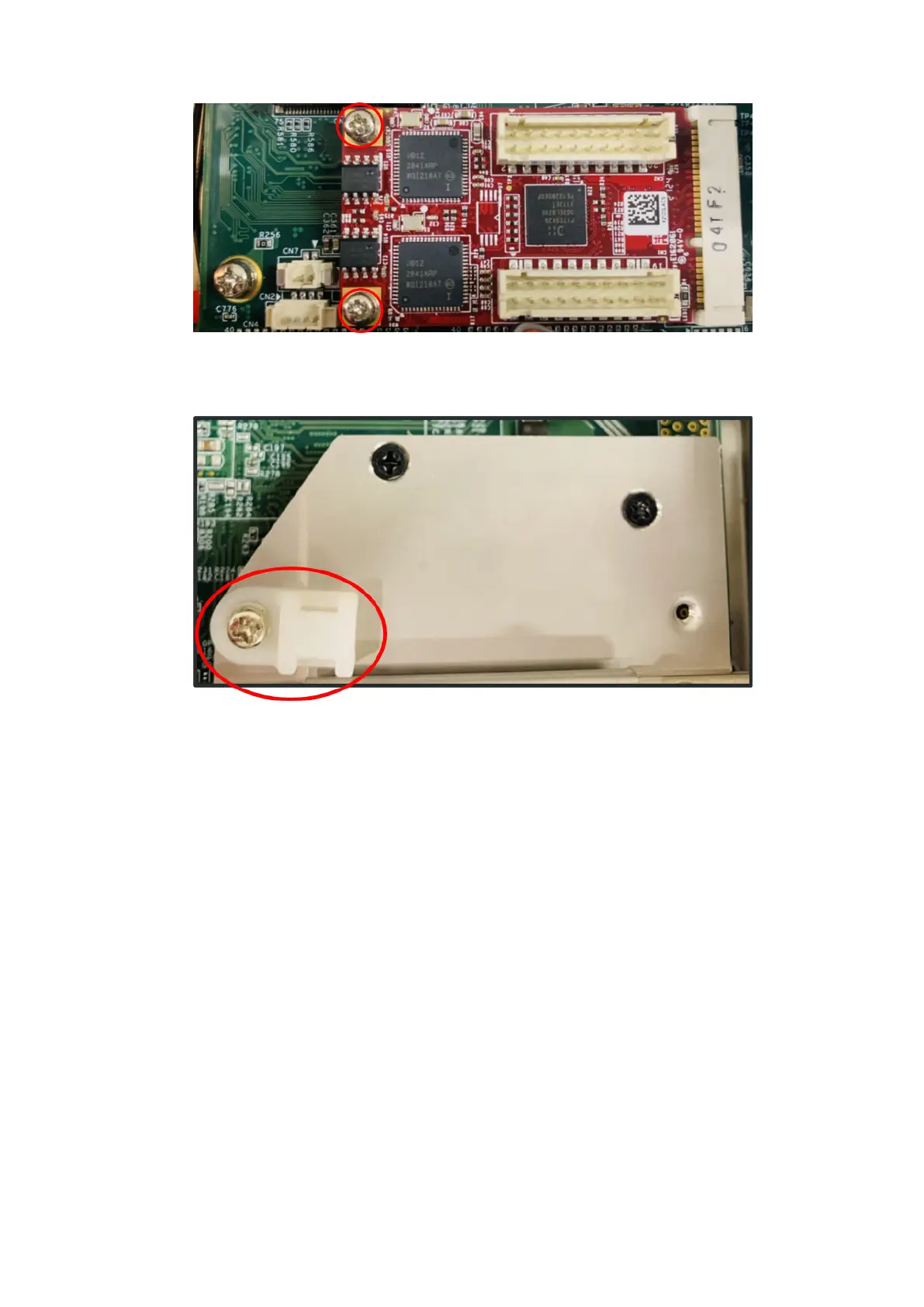
Figure 104. GbE LAN mPCIe installed on motherboard
13. Use one M3 x 5L screw to secure the cable clip to the bracket, as shown in the following figure.
Figure 105. Cable clip attached
14. Connect the LAN cables from the uFM module to the mPCIe module. Use a cable tie, as shown with red circles in the
following figure.
62
Installation procedure for 2x GbE LAN uFM module















 To Next Page