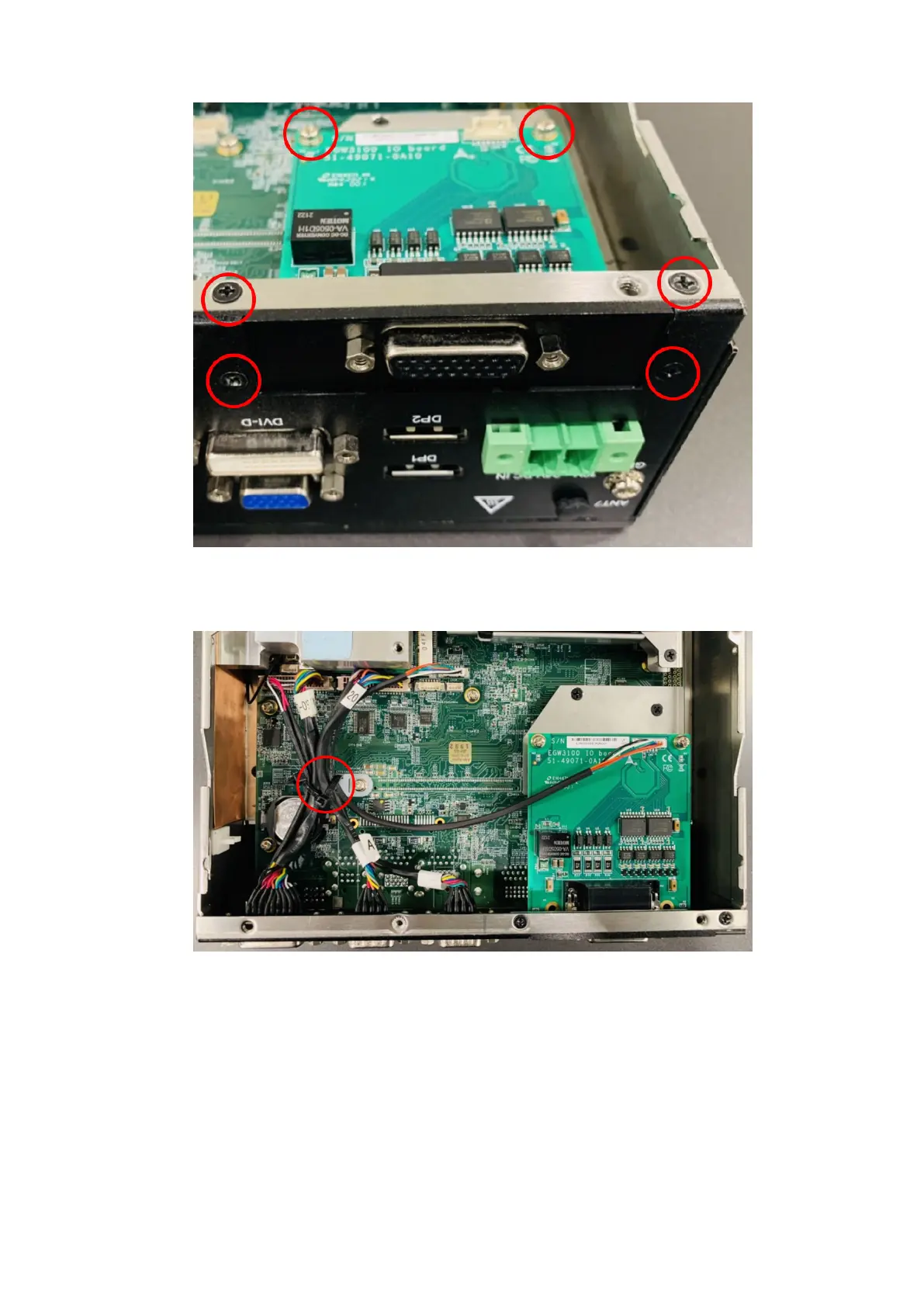
Figure 132. DI/O module installed
9. Connect the DI/O cable. Use a cable tie, as shown with a red circle in the following figure.
Figure 133. DI/O cable with cable tie
10. Use the screws to reattach the bottom panel. See the screw locations in step 1.
Installation procedure for 8x DI/O uFM module
77















 To Previous Page