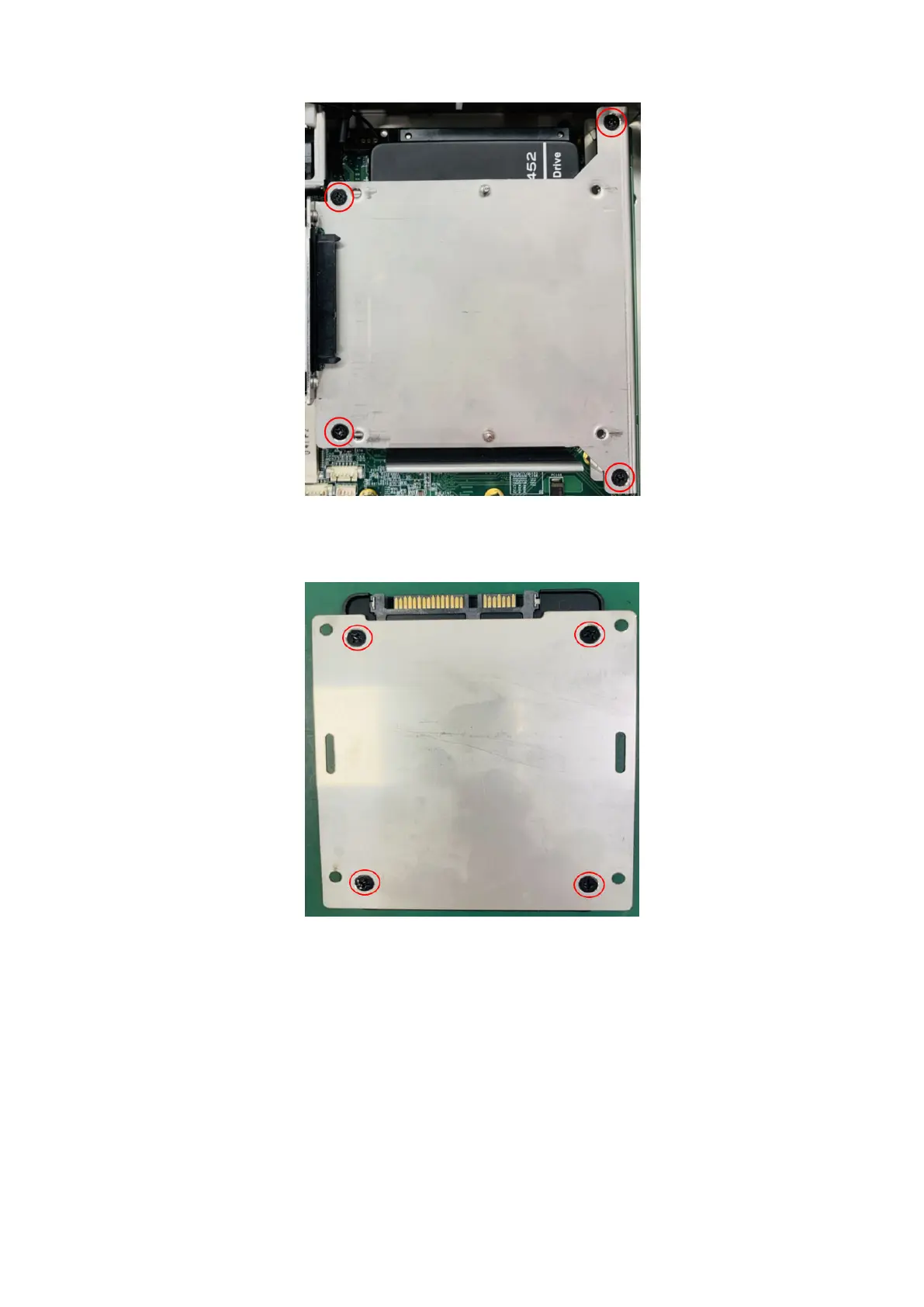
Figure 8. Screws of the upper SSD holder
5. If applicable, use four screws to install the second SSD to the upper SSD bracket.
Figure 9. Mounting screws of the upper SSD bracket
6. Slide the upper SSD bracket or assembly into place, with the SSD back to the device, and use four screws to secure the
bracket in place, as shown in the following figure.
Keep your hard drive
9















 To Next Page