About Your Printer 23
Maintenance Mode
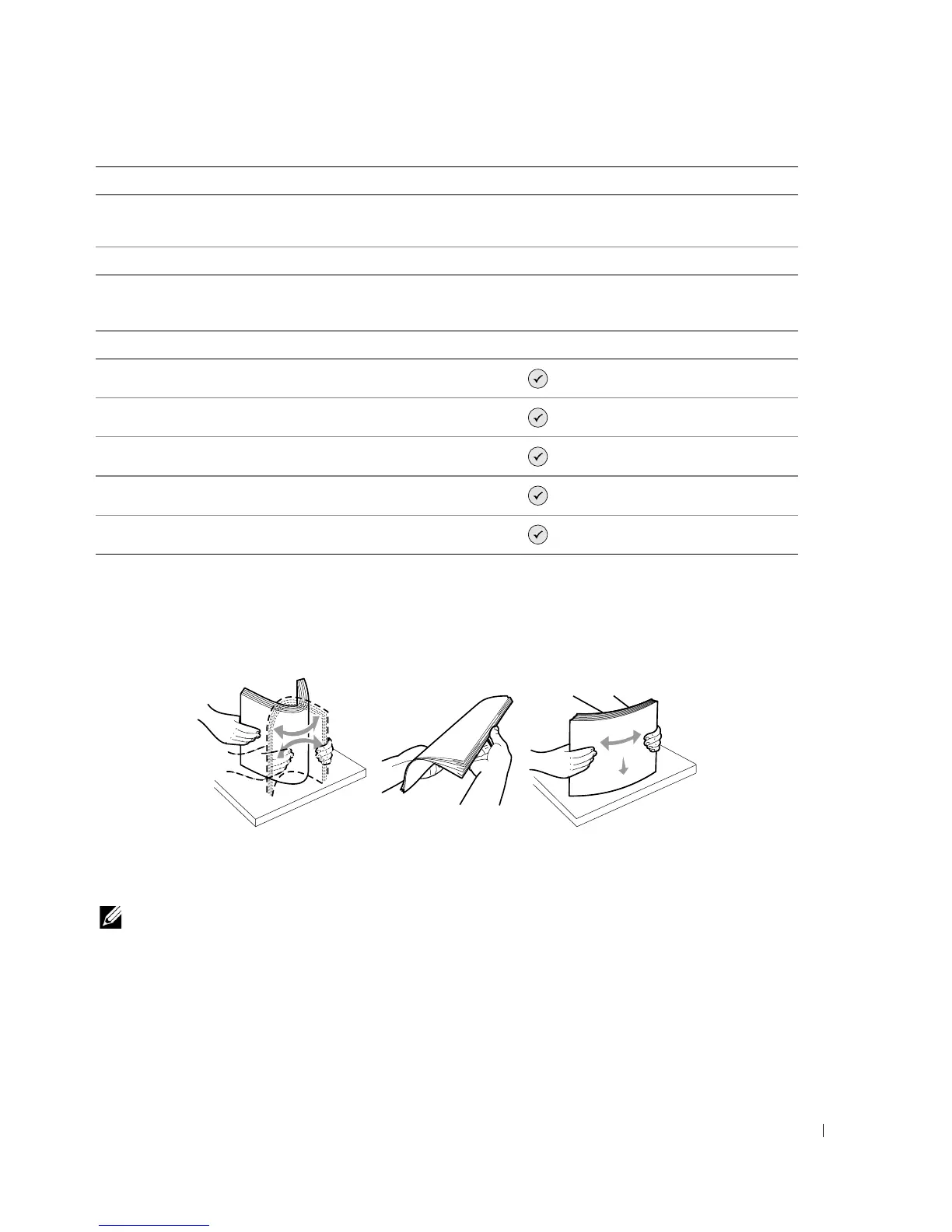
Loading Paper
1 Fan the paper.
2 Center the paper on the paper support.
3 Adjust the paper guides so both are resting against the edges of the paper.
NOTE: Do not pull on both paper guides simultaneously. When one paper guide is moved, the other
adjusts accordingly.
Clear Settings When • Never
• After 2 minutes*
* Factory default setting
Maintenance menu item Settings
Ink Levels
Press the Select button .
Change Cartridge
Press the Select button .
Align Cartridges
Press the Select button .
Clean Cartridges
Press the Select button .
Print Test Page
Press the Select button .
Setup menu item Settings













 To Next Page