Understanding the Software 65
For more information click Help in the Dell All-In-One Center.
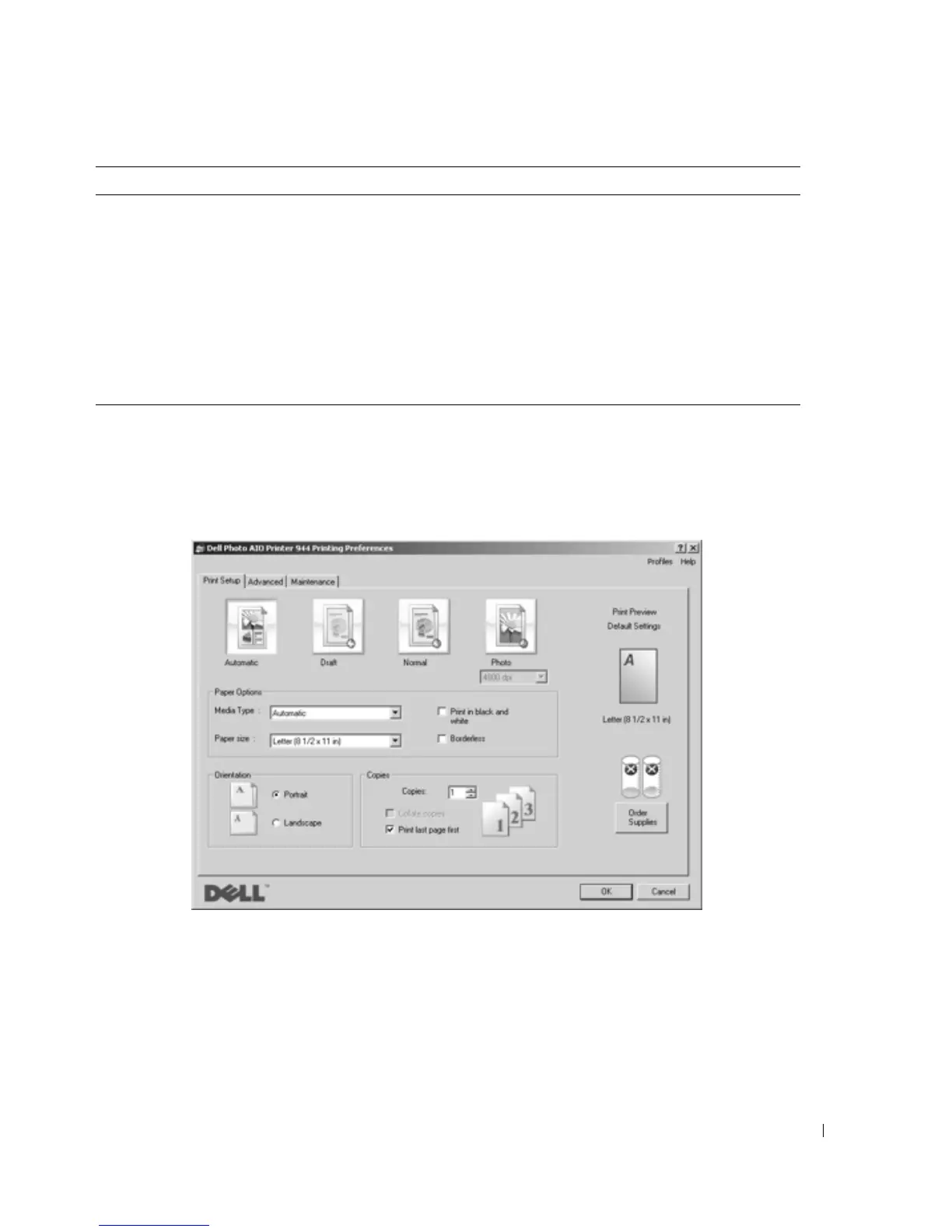
Using Printing Preferences
Printing Preferences allows you to change the various printer settings. You can change your
printer settings in Printing Preferences depending on the type of project you want to create.
To access Printing Preferences when a document is open:
1 Click File→Print.
The Print dialog box opens.
Productivity Tools • Enlarge or reduce an image.
• Repeat an image several times on one page.
• Print an image as a multi-page poster.
• Fax using your computer’s modem.
• E-mail an image.
• Save an image on your computer.
• Edit text found in a scanned document (Optical Character
Recognition).
• Modify an image with a photo editor.
In this section: You can:













 To Next Page