42 Copying
www.dell.com | support.dell.com
8 Click See More Copy Settings to:
– Choose a copy quality.
– Select the blank paper size.
– Select the original document size.
– Lighten or darken your document.
– Reduce or enlarge your document.
9 When you are finished customizing your settings, click Copy Now.
Copying Photos Using the Operator Panel
1 Turn on your printer.
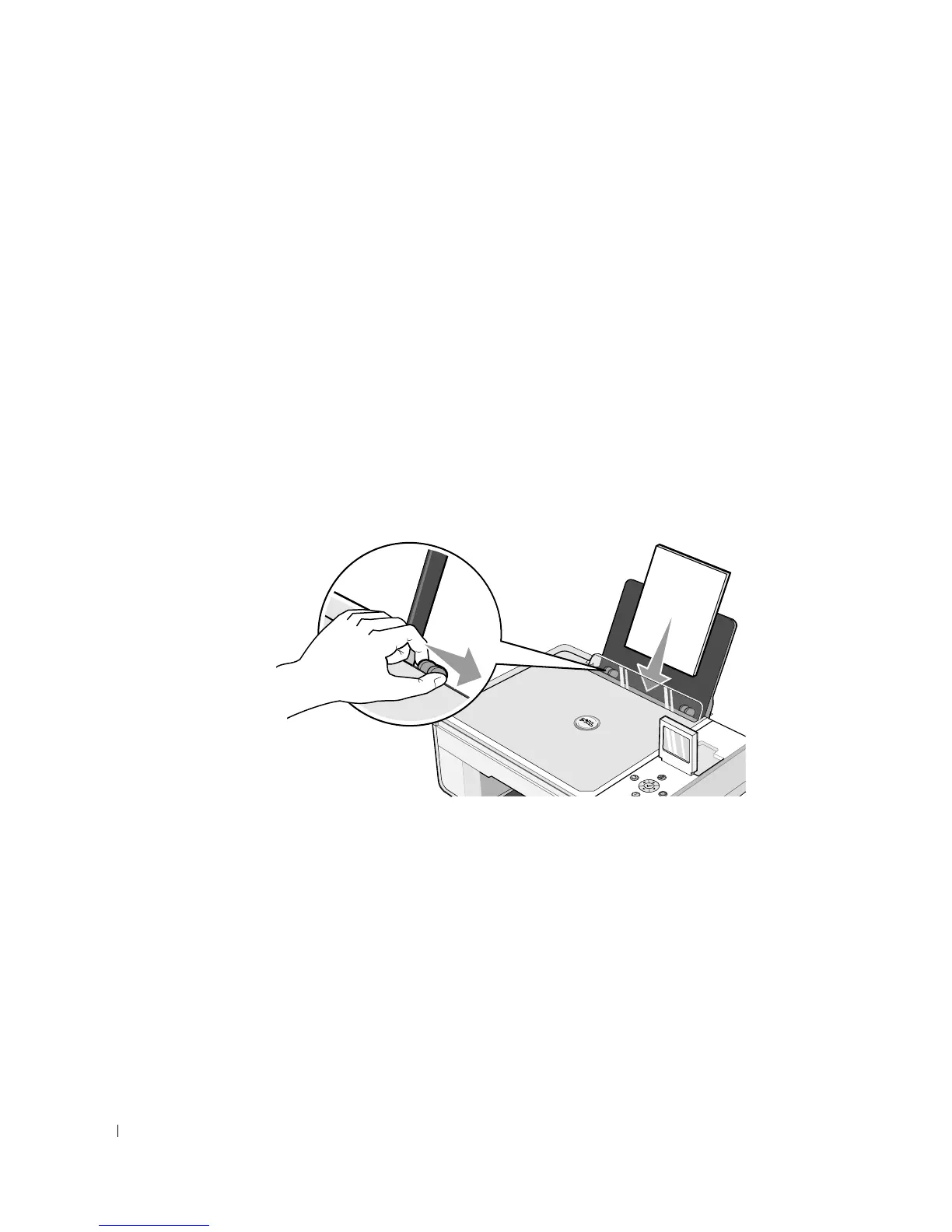
2 Load photo paper with the print (glossy) side facing up. For more information, see
"Loading Paper" on page 23.
3 Open the top cover.













 To Next Page