32 Printing
www.dell.com | support.dell.com
Printing Photos From a Memory Card or USB Key
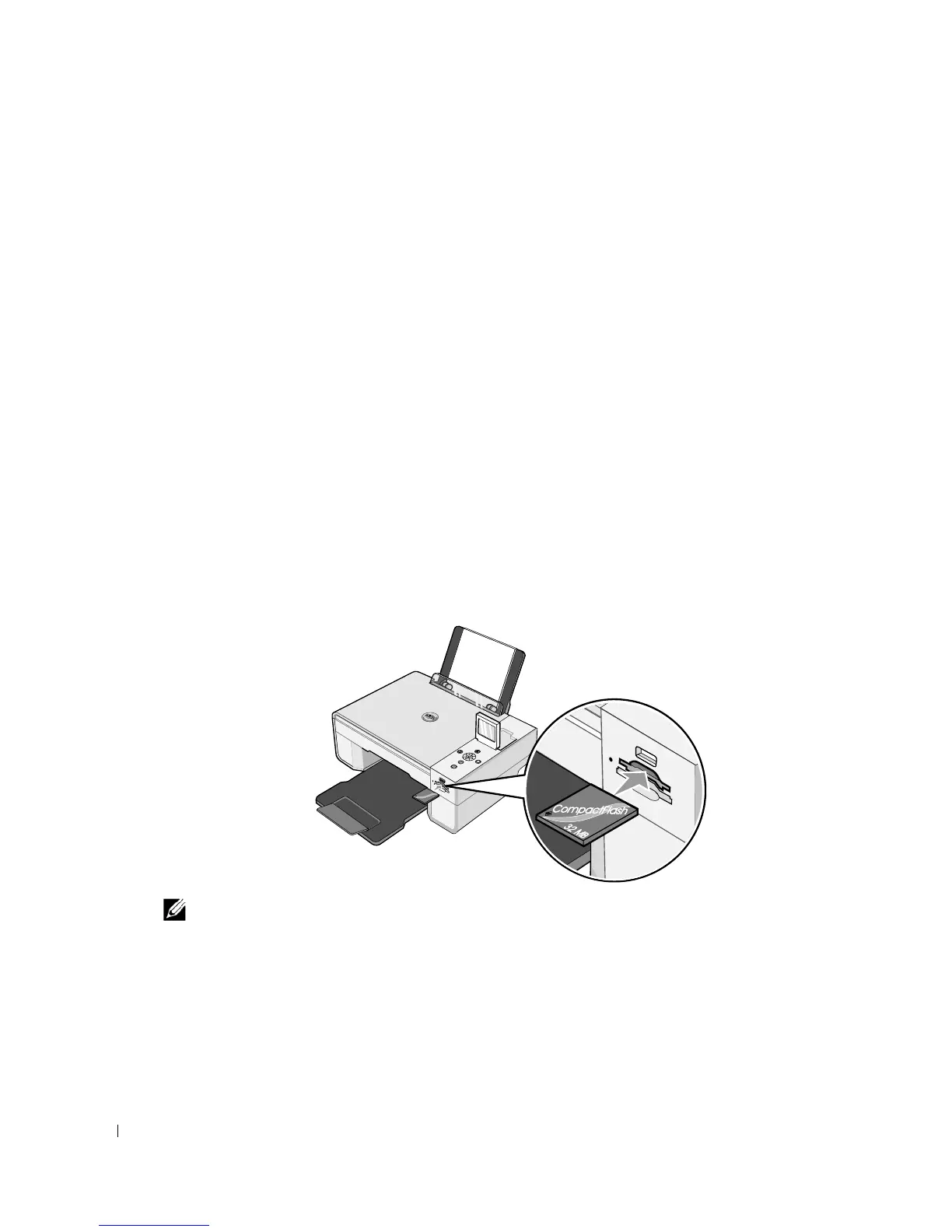
Most digital cameras use a memory card to store photos. The Dell Photo AIO Printer 944
supports the following digital media:
• CompactFlash Type I
• CompactFlash Type II (MicroDrive)
•Memory Stick
•Memory Stick PRO
•SmartMedia
• Secure Digital
• MultiMediaCard
•xD-Picture Card
Memory cards should be inserted with the label facing up. The card reader has two slots to
accommodate these media and a small light that blinks indicating the card is being read or is
transmitting data.
NOTE: Do not remove the card while it is being read. Data corruption can occur.
F
C
32
M
B













 To Next Page