Printing 33
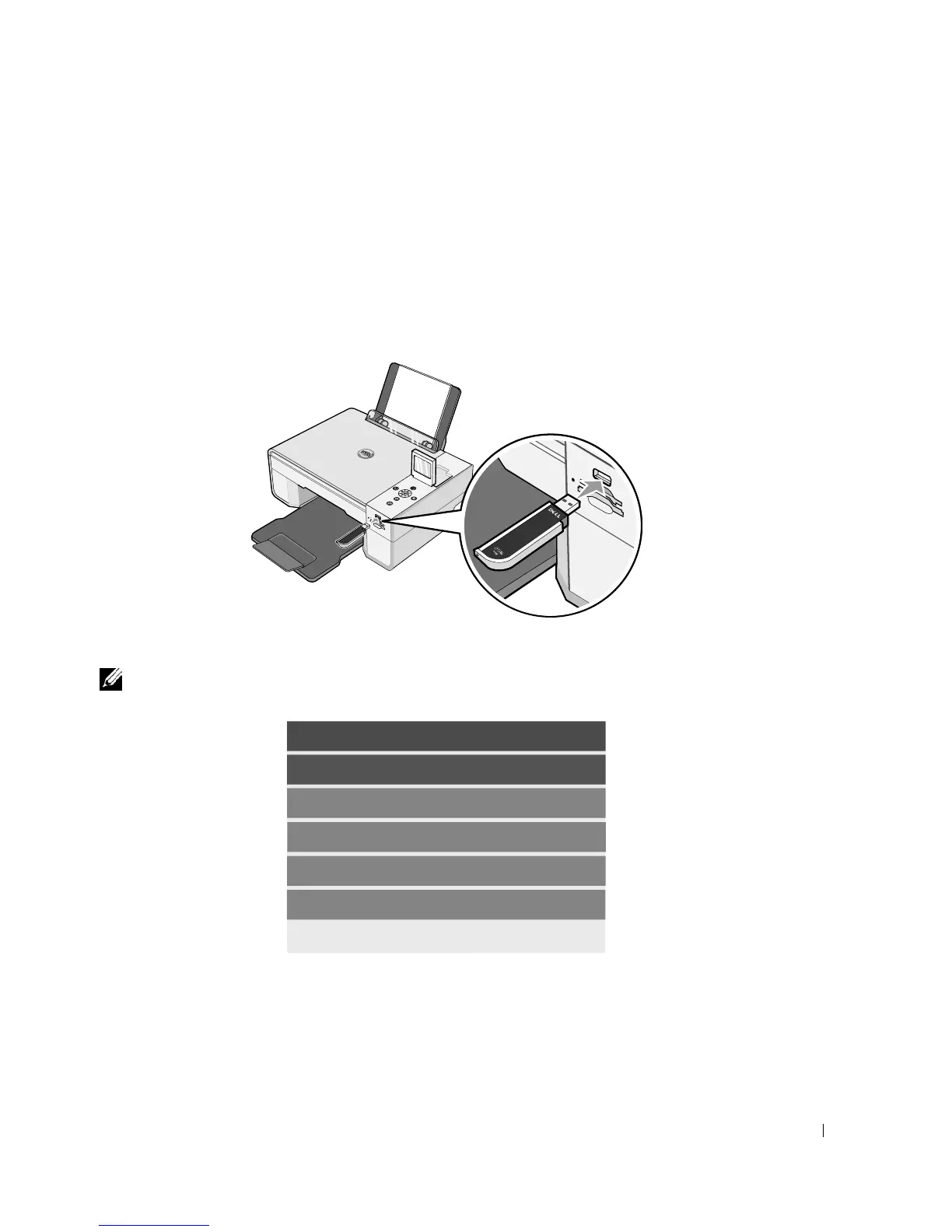
The connector that is used for PictBridge may also be used for accessing information that is
stored on USB memory keys. The USB memory keys that have been certified for operation with
this AIO are as shown below:
• DELL - 256 MB High Speed USB 2.0 Memory Key, Part Number 311-4341
• DELL - 128 MB High Speed USB 2.0 Memory Key, Part Number 311-4340
• DELL - 64 MB High Speed USB 2.0 Memory Key, Part Number 311-4339
When you insert a memory card or USB memory key, the Photo Mode menu is displayed.
NOTE: Do not insert more than one memory card or USB memory key at a time.
Photo Mode
View Photos or Print
Save to Computer
View Slideshow
Print All 6 Photos













 To Next Page