Copying 43
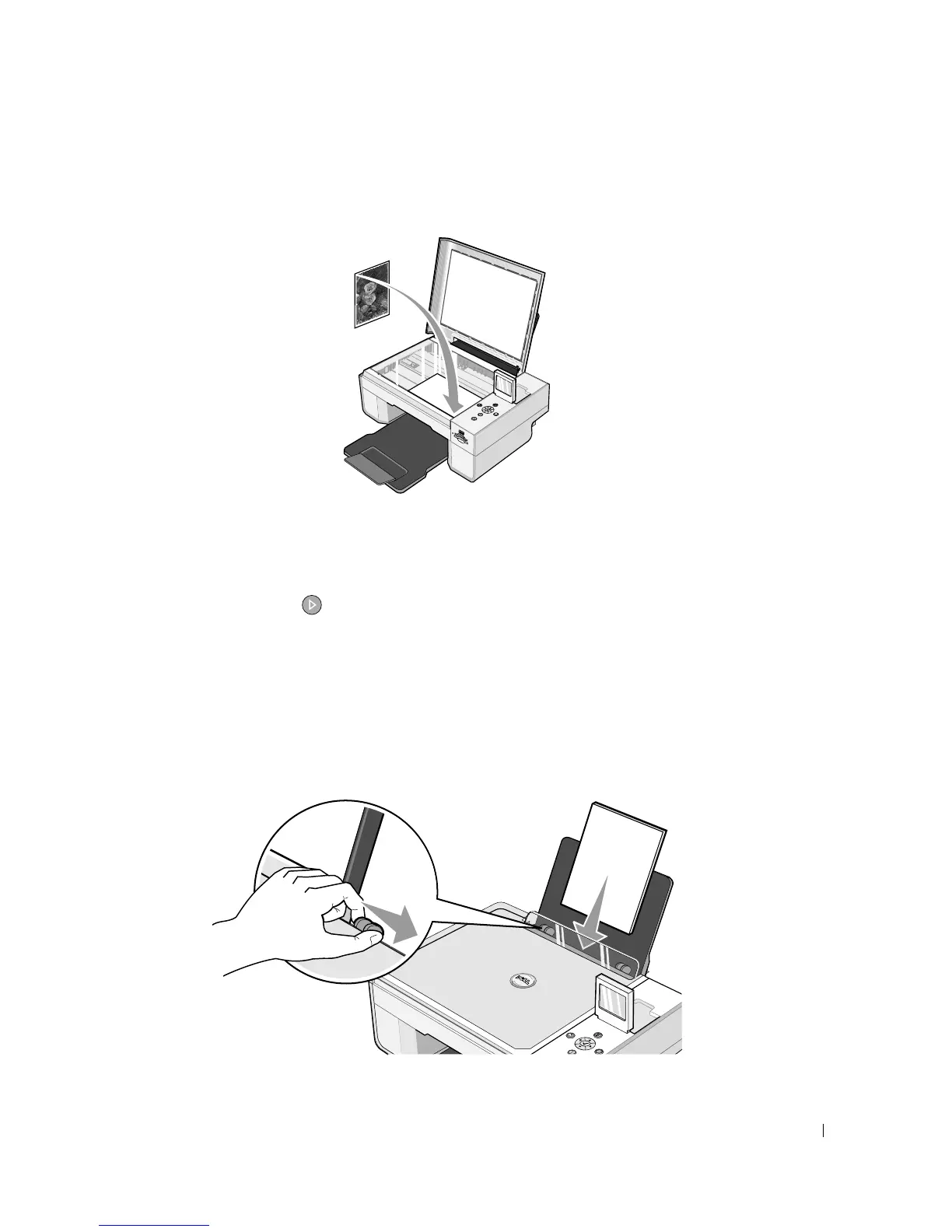
4 Place the photo you want to copy face down on the scanner glass. Make sure the upper left
corner of the front of the photo aligns with the arrow on the printer.
5 Close the top cover.
6 From the Copy Quality submenu, select Photo. For more information, see "Operator
Panel Menus" on page 16.
7 Press the Start button .
Copying Photos Using Your Computer
1 Turn on your computer and printer, and make sure they are connected.
2 Load photo paper with the print (glossy) side facing up. For more information, see
"Loading Paper" on page 23.













 To Next Page