44 Copying
www.dell.com | support.dell.com
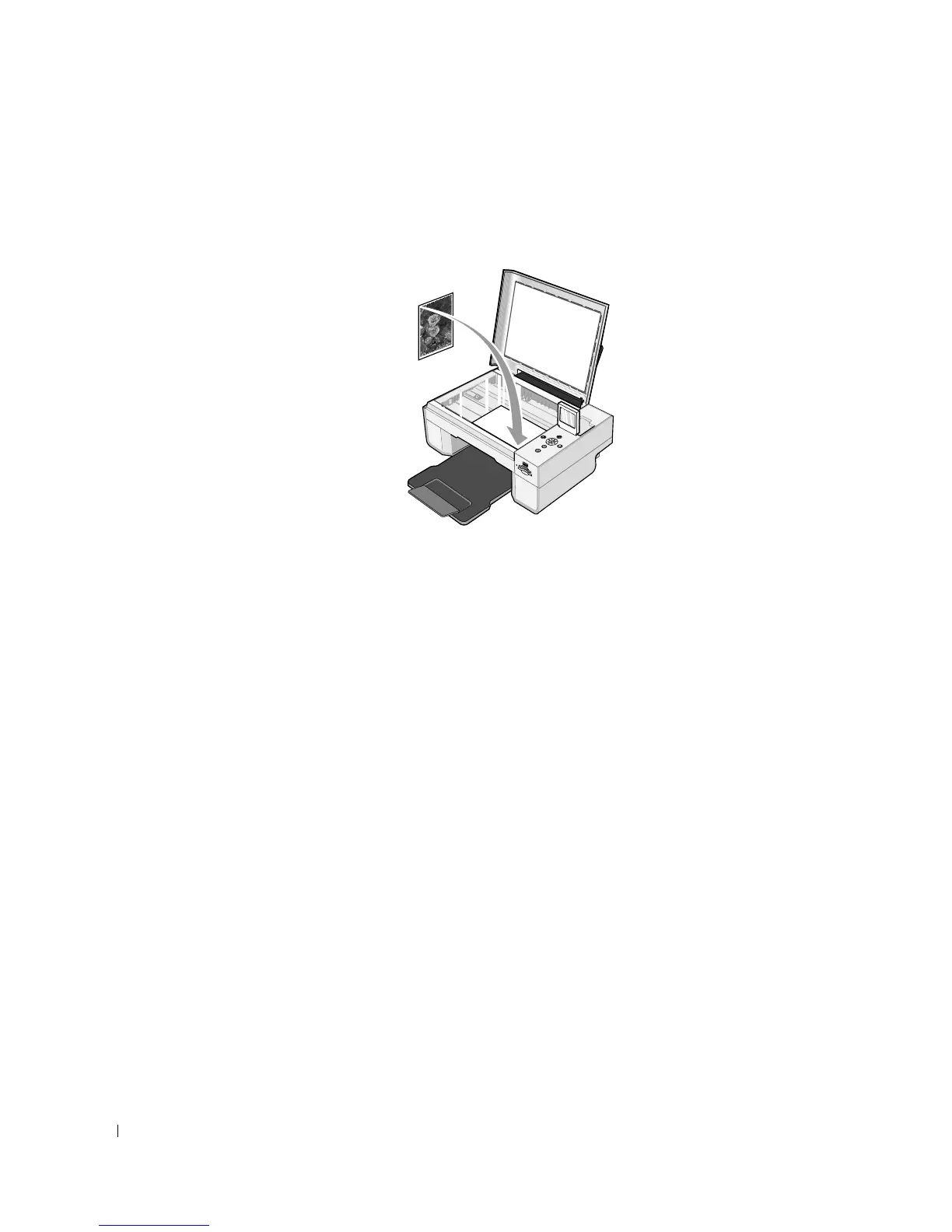
3 Open the top cover.
4 Place the photo you want to copy face down on the scanner glass. Make sure the upper left
corner of the front of the photo aligns with the arrow on the printer.
5 Close the top cover.
6 Click Start→Programs or All Programs→Dell Printers→Dell Photo AIO Printer
944→Dell All-In-One Center.
The Dell All-In-One Center opens.
7 Click Preview Now.
8 Adjust the dotted lines to fit around the portion of the image you want to print.
9 In the Copy section, select a quantity, and choose a photo option (Color Photo or Black
and White Photo).
10 Click See More Copy Settings to:
– Choose a copy quality.
– Select the blank paper size.
– Select the original document size.
– Lighten or darken your document.
– Reduce or enlarge your document.
11 When you finish customizing your settings, click Copy Now.













 To Next Page