Printing 29
Printing Borderless Photos
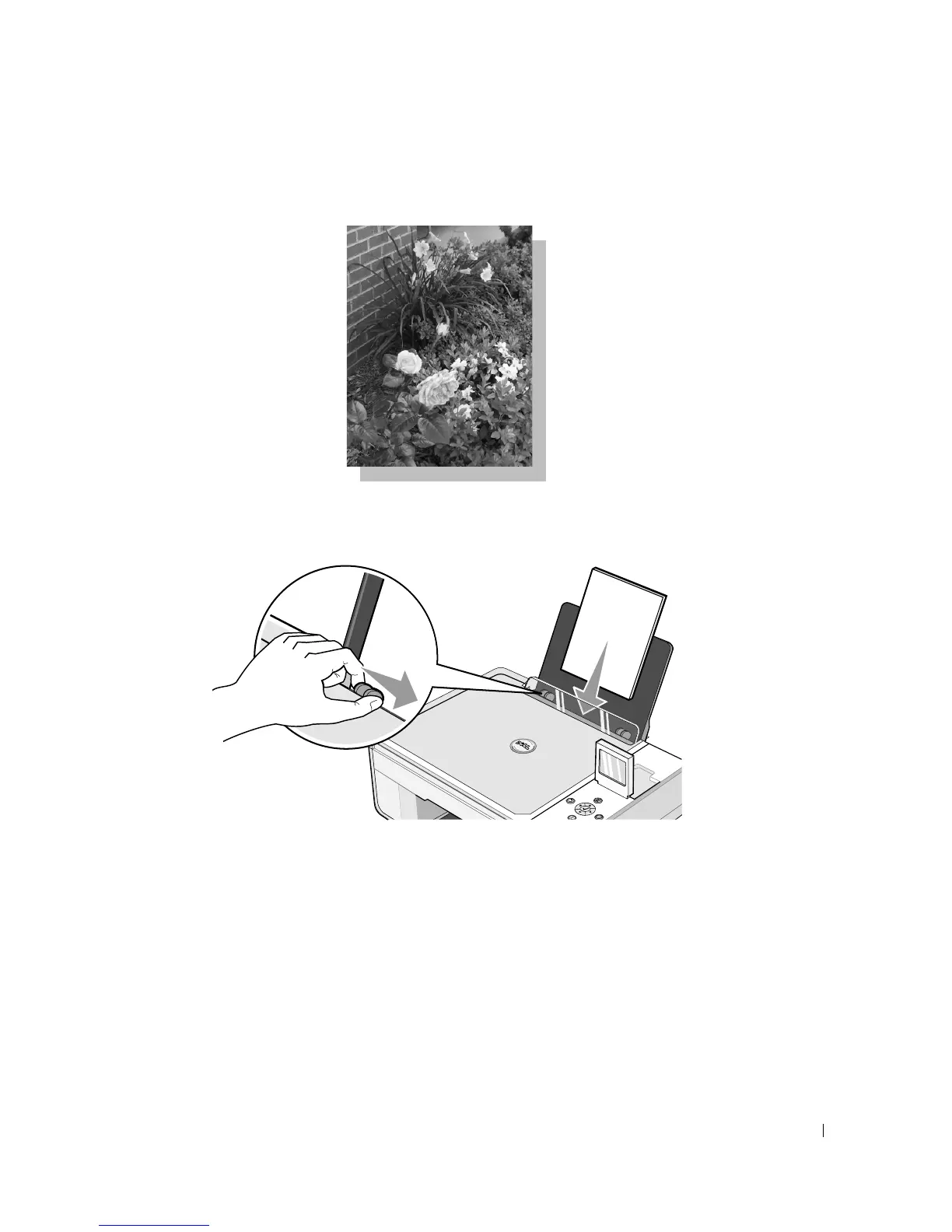
1 For best results, load photo/glossy paper, and make sure the print side is facing up. For
more information, see "Loading Paper" on page 23.
2 It is recommended that you use a color cartridge and a photo cartridge for printing photos.
For more information, see "Replacing Ink Cartridges" on page 71.
3 With your document open, click File→Print.
4 To customize your print settings, click Preferences, Properties, Options, or Setup
(depending on the program or operating system).
The Printing Preferences dialog box opens.
5 On the Print Setup tab, select Photo, and then select the dpi settings for the photo from
the drop-down menu.













 To Next Page