Scanning 53
– Select what type of document is being scanned.
– Select the scan quality.
7 Click the Advanced button.
8 On the Scan tab, click the Convert scanned item to text (OCR) box.
9 Click OK.
10 Click Scan Now.
The scanned text opens in the program you selected.
Saving an Image on Your Computer
1 Click Start→Programs or All Programs→Dell Printers→Dell Photo AIO Printer
944→Dell All-In-One Center.
The Dell All-In-One Center opens.
2 In the Productivity Tools section, click Save an image on my computer.
3 Follow the instructions on your screen.
E-mailing a Scanned Image or Document
To send scanned images or documents through e-mail:
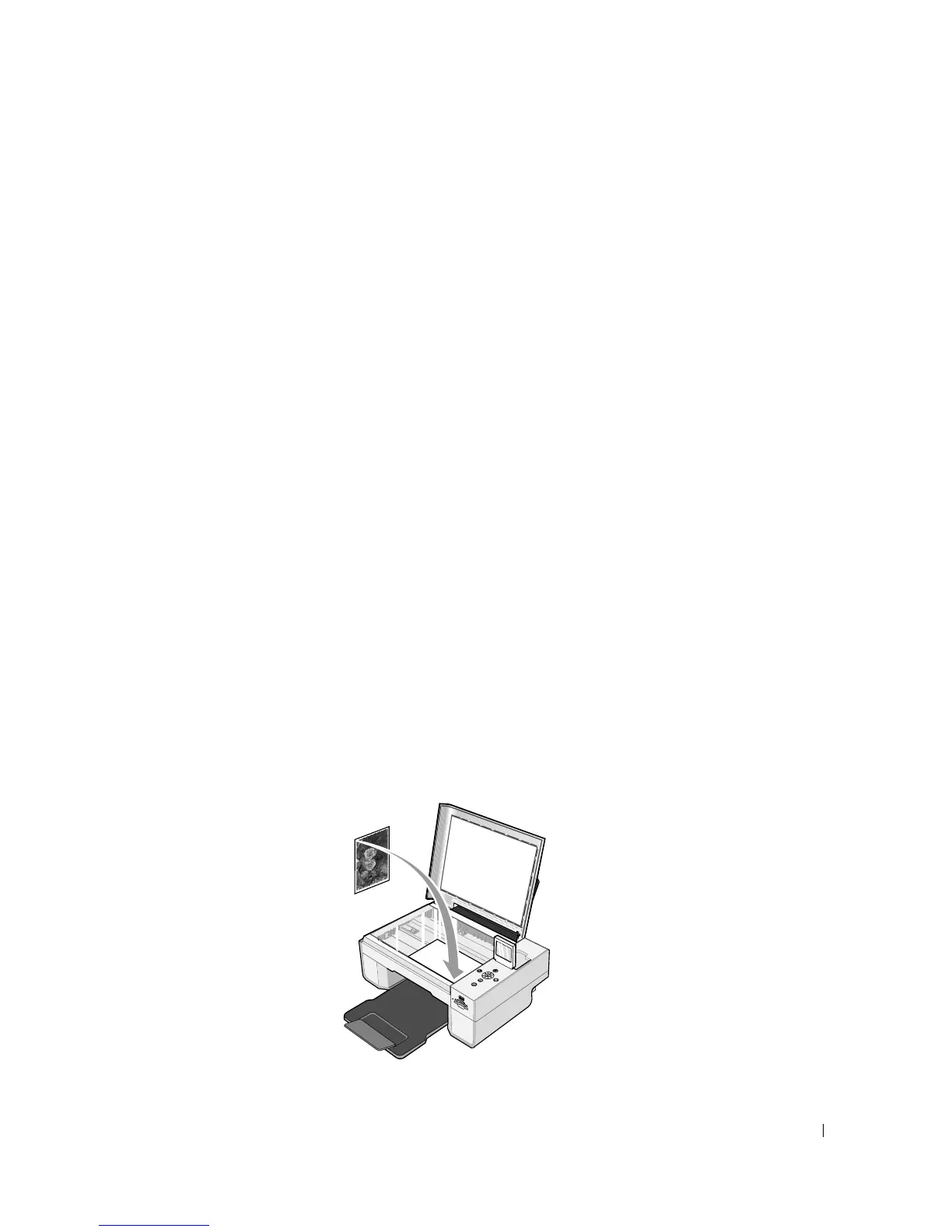
1 Open the top cover.
2 Place the document or photo face down on the scanner glass. Make sure the upper left
corner of the front of the item aligns with the arrow on the printer.
3 Close the top cover.













 To Next Page