Copying 41
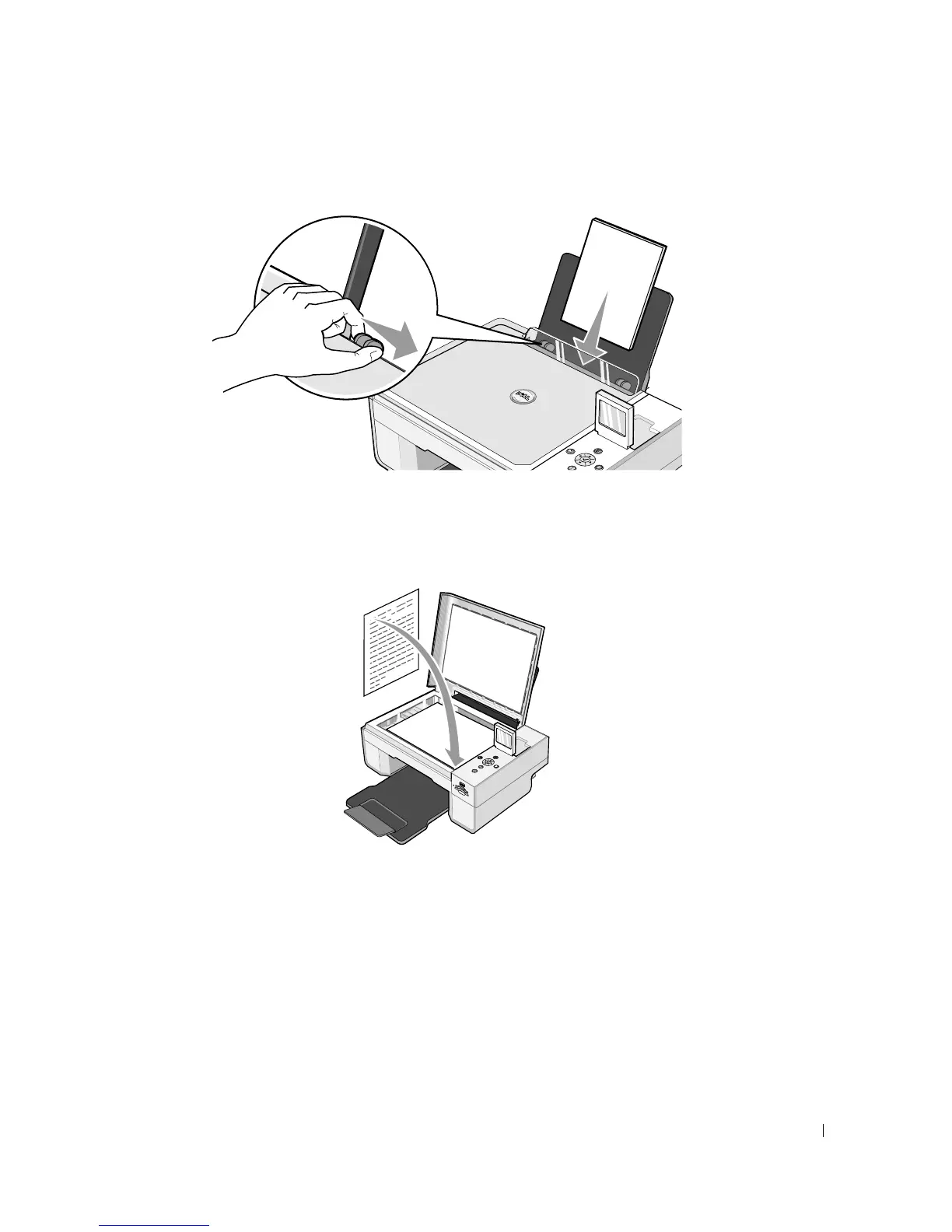
2 Load the paper. For more information, see "Loading Paper" on page 23.
3 Open the top cover.
4 Place the document you want to copy face down on the scanner glass. Make sure the upper
left corner of the front of the document aligns with the arrow on the printer.
5 Close the top cover.
6 Click Start→Programs or All Programs→Dell Printers→Dell Photo AIO Printer
944→Dell All-In-One Center.
The Dell All-In-One Center opens.
7 Select the number of copies (1–99) and color setting from the Copy drop-down menus.













 To Next Page