Scanning 55
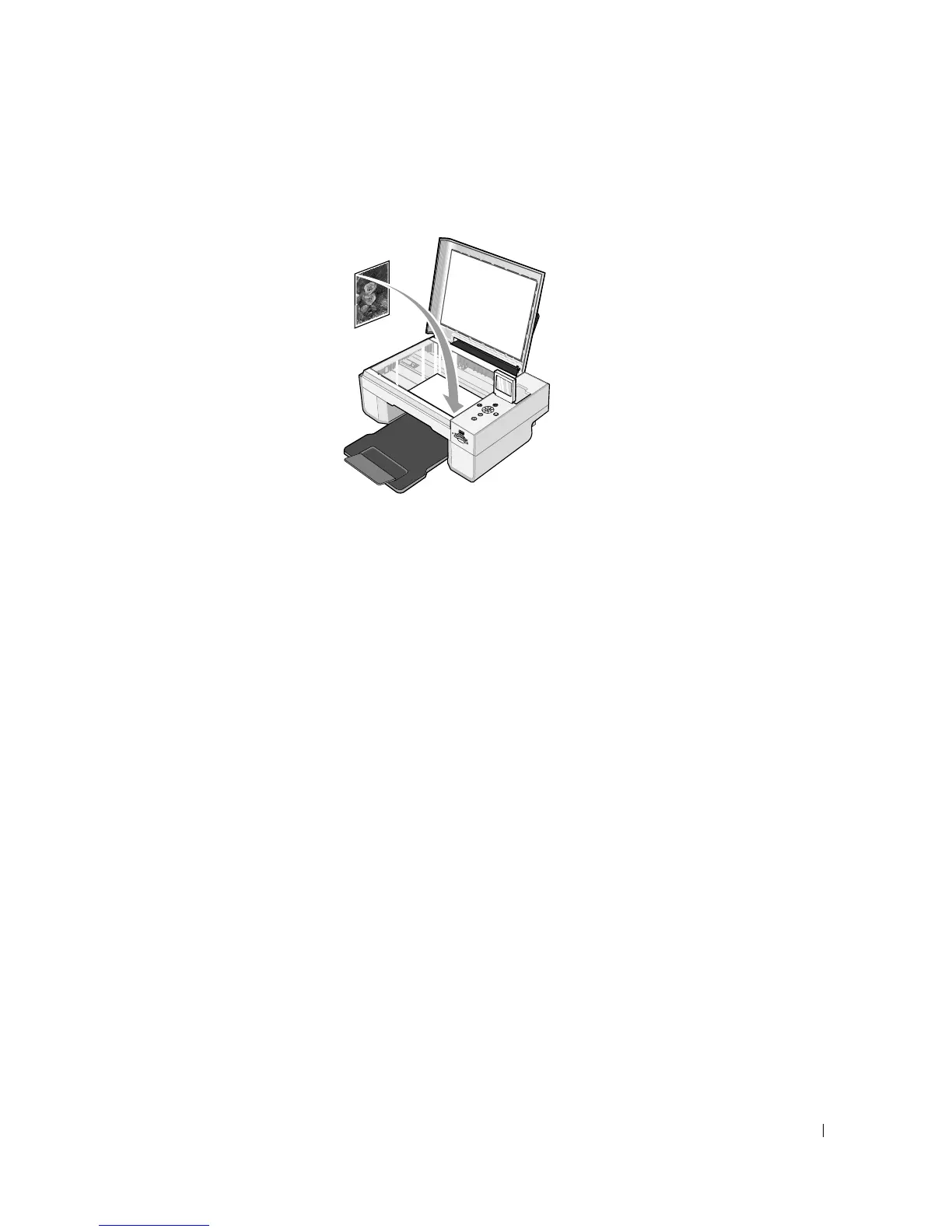
3 Place the document or photo face down on the scanner glass. Make sure the upper left
corner of the front of the item aligns with the arrow on the printer.
4 Close the top cover.
5 Click Start→Programs or All Programs→Dell Printers→Dell Photo AIO Printer
944→Dell All-In-One Center.
The Dell All-In-One Center opens.
6 Click Preview Now.
7 In the Productivity Tools section, select Enlarge or reduce an image.
8 Follow the instructions on the screen to select the size of your new image.
9 When you finish customizing your image, click Print Now.













 To Next Page