Troubleshooting 81
CHECK FOR A PAPER JAM.
Using your printer and your computer
• Follow the instructions on the screen for clearing the paper jam.
Using your printer only
If the paper jam is located in the paper support:
1 Turn off your printer.
2 Firmly grasp the paper and gently pull it from the printer.
3 Turn on your printer and print the document again.
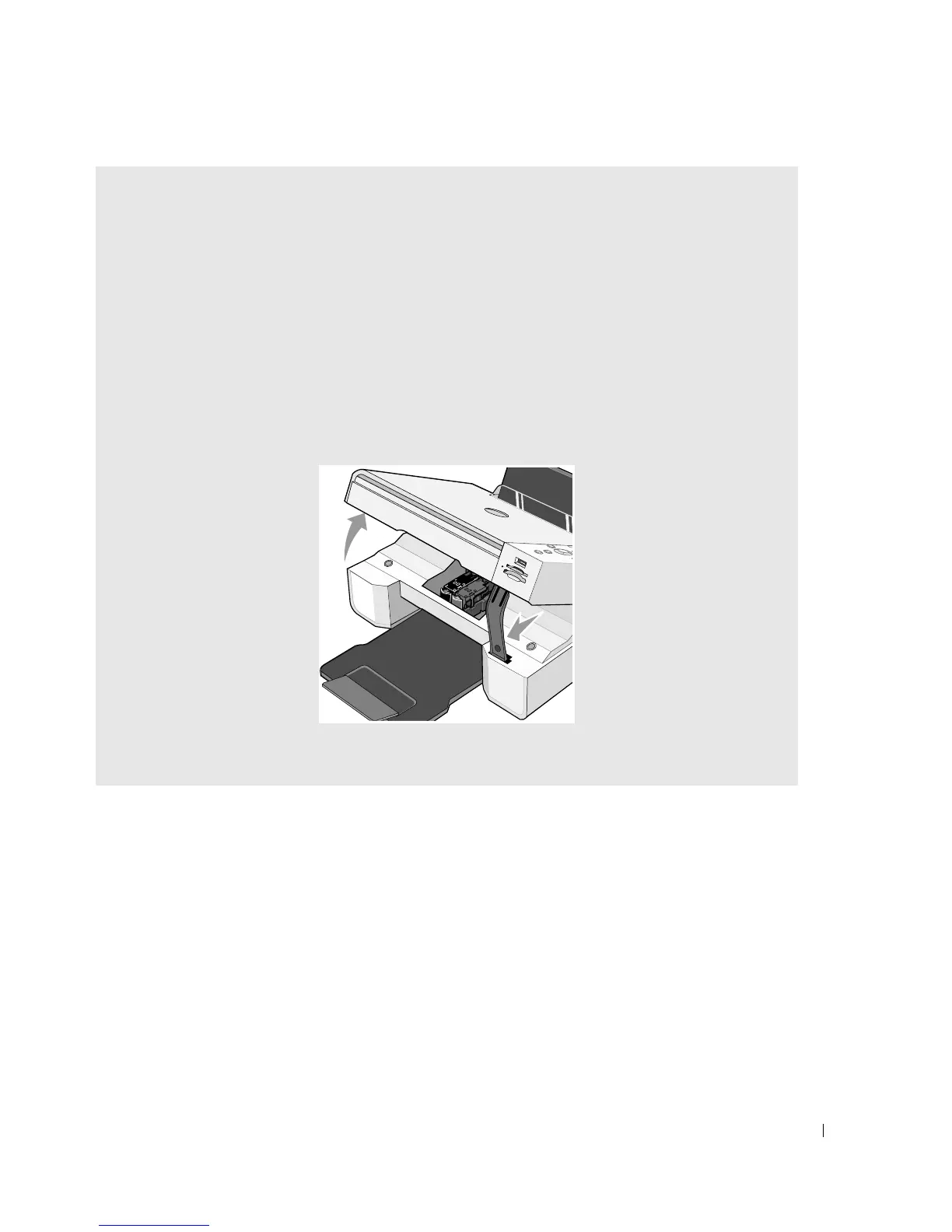
If the paper jam is not visible:
1 Turn off your printer.
2 Lift the printer unit and position the scanner support between the tabs to keep it open.
3 Gently pull the paper from the printer.
4 Close the printer unit, turn on the printer, and print the document again.













 To Next Page