36 | Setting up the display
Magnet warning statement
Avoid interference with pacemakers. Maintain a minimum of 15 cm (6 in.) between
product and pacemakers to avoid potential interference, as recommended by
manufacturers and the independent research group. If you have any reason to suspect
that your product is interfering with a pacemaker or other medical device, distancing
the stylus away immediately and contact the manufacturer of the pacemaker or
medical device for guidance.
Using the stylus
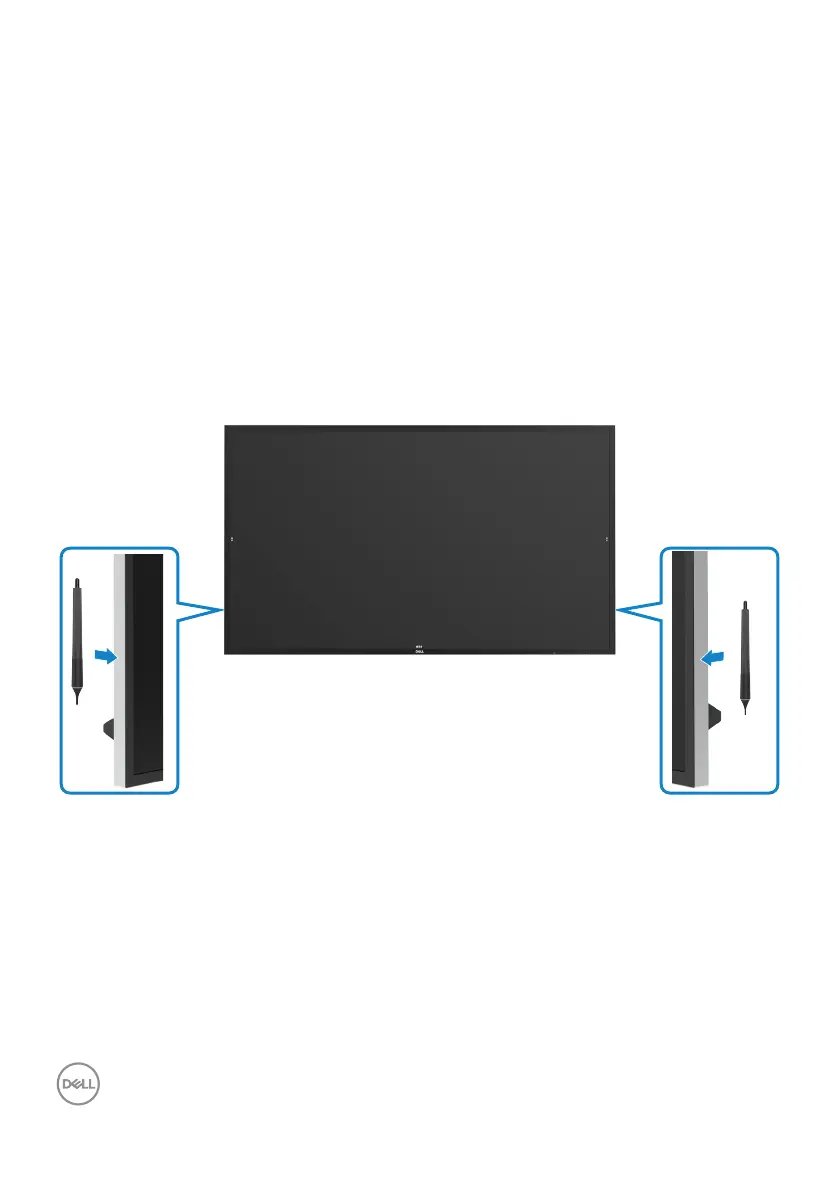
Area for magnet
When not in use, place the stylus (flat side) on either the left or right side surface of
the display frame.



 To Next Page