Troubleshooting | 71
Specific
Symptoms
What You
Experience
Possible Solutions
USB is not
working
No USB
functionalities
• Refer to input source and USB pairing table.
Ethernet problems
Specific
Symptoms
What You
Experience
Possible Solutions
Ethernet not
working
Dell Web
Management
for Displays
Webpage
control is not
working
• Ensure that the Network cable connecting the
Display is properly secured.
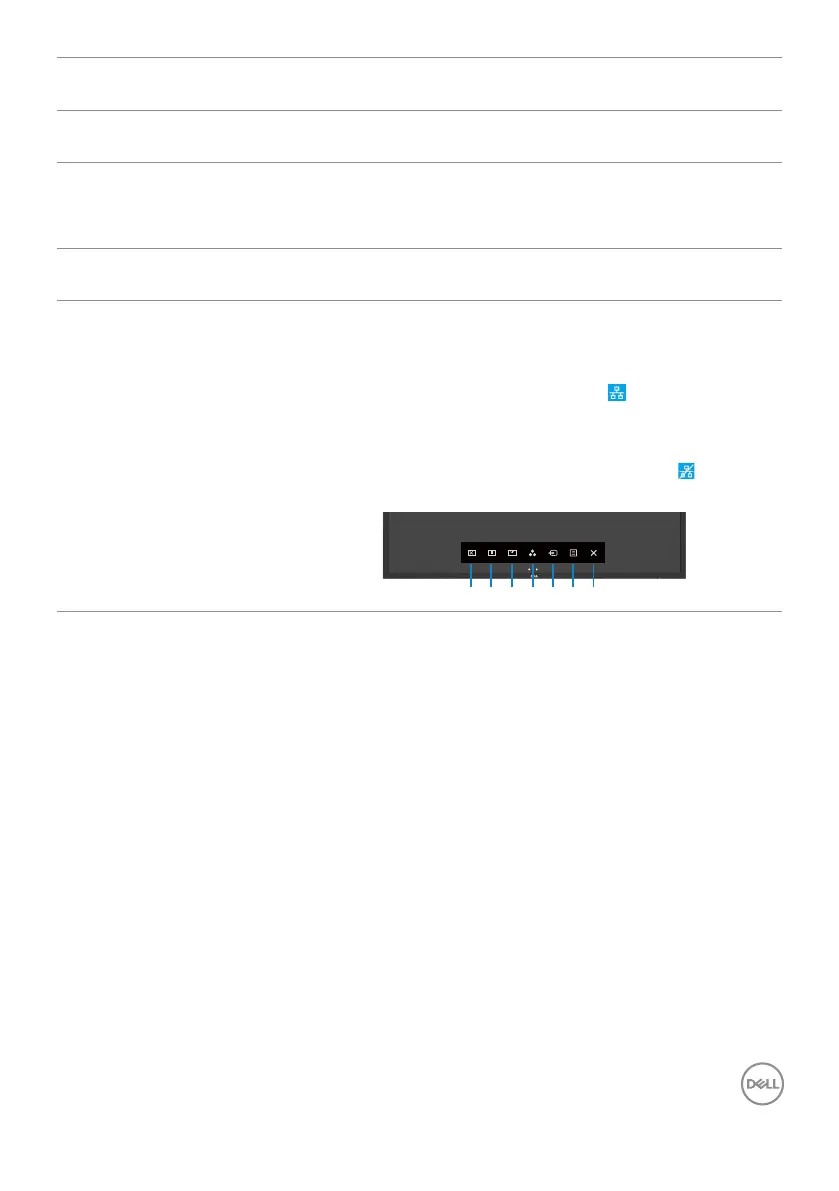
• Touch the icon 5 on the screen for 4 seconds
to turn on , A network icon appears and is
shown on the center for 4 seconds .
• Touch the icon 5 on the front panel for 4
seconds to turn o, A network icon appears
and is shown on the center for 4 seconds.
1 2 3 4 5 6 7



 To Next Page