Operating the display | 43
Icon Menu and
Submenus
Description
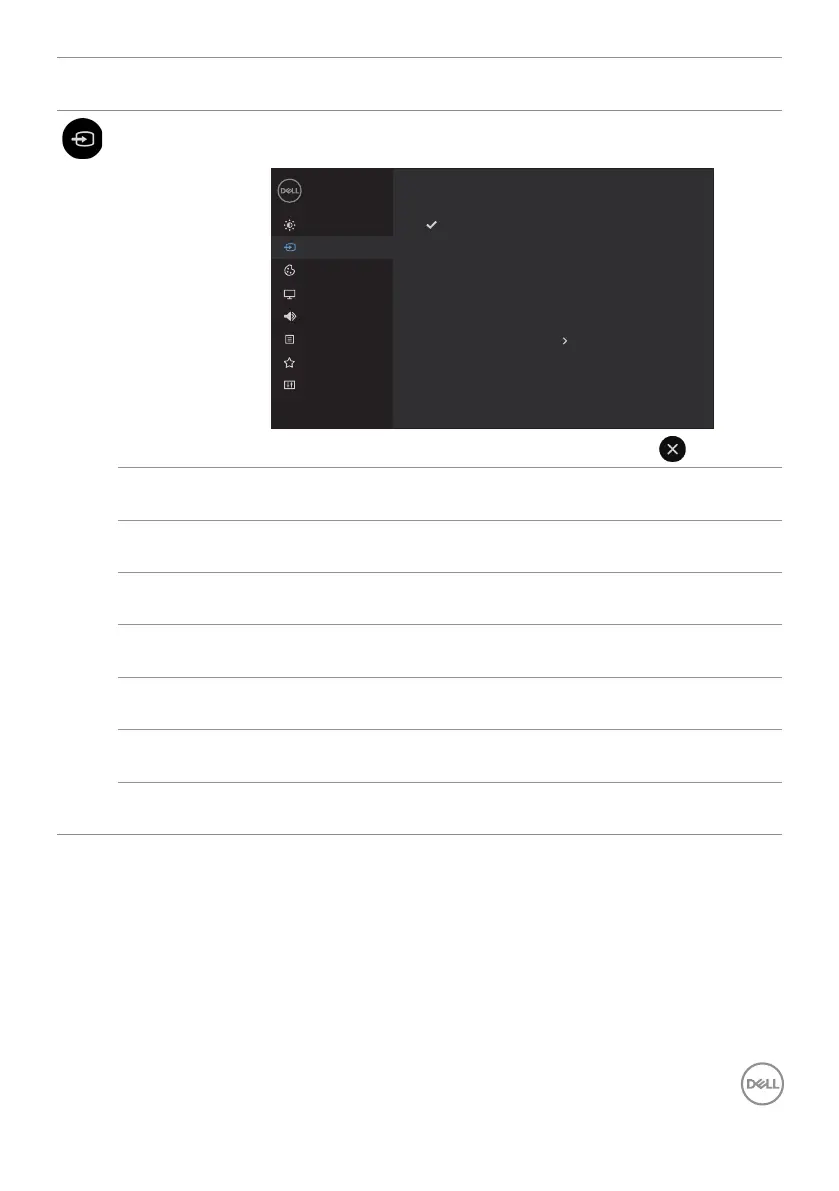
Input Source Use the Input Source menu to select between different
video inputs that are be connected to your display.
Brightness/Contrast
Dell 65 Monitor
Others
Menu
Color
Display
Input Source
Audio
Personalize
USB Type-C
DP
HDMI 1
On
HDMI 2
HDMI 3
Auto Select
Reset Input Source
USB Type-C Select USB Type-C input when you are using the USB
Type-C connector.
DP Select DP input when you are using the DP (DisplayPort)
connector.
HDMI 1 Select the HDMI 1 input when you are using the HDMI 1
connector.
HDMI 2 Select the HDMI 2 input when you are using the HDMI 2
connector.
HDMI 3 Select the HDMI 3 input when you are using the HDMI 3
connector.
Auto Select Select Auto Select. the display scans for available input
sources.
Reset Input
Source
Resets your display’s Input Source settings to the factory
defaults.



 To Next Page