Operating the display | 45
Icon Menu and
Submenus
Description
• Blink frequently to moisten or rewet your eyes when
working with the display.
• Take regular and frequent breaks for 20 minutes every two
hours.
• Look away from your display and gaze at a distant object at
20 feet away for at least 20 seconds during the breaks.
• Perform stretches to relieve tension in the neck/arm/
back/shoulders during the breaks.
• Color Temp.: The screen appears warmer with a red/
yellow tint with slider set at 5,000K or cooler with blue tint
with slider set at 10,000K.
• Custom Color: Allows you to manually adjust the color
settings.
Touch the and icons to adjust the Red, Green, and
Blue values and create your own preset color mode.
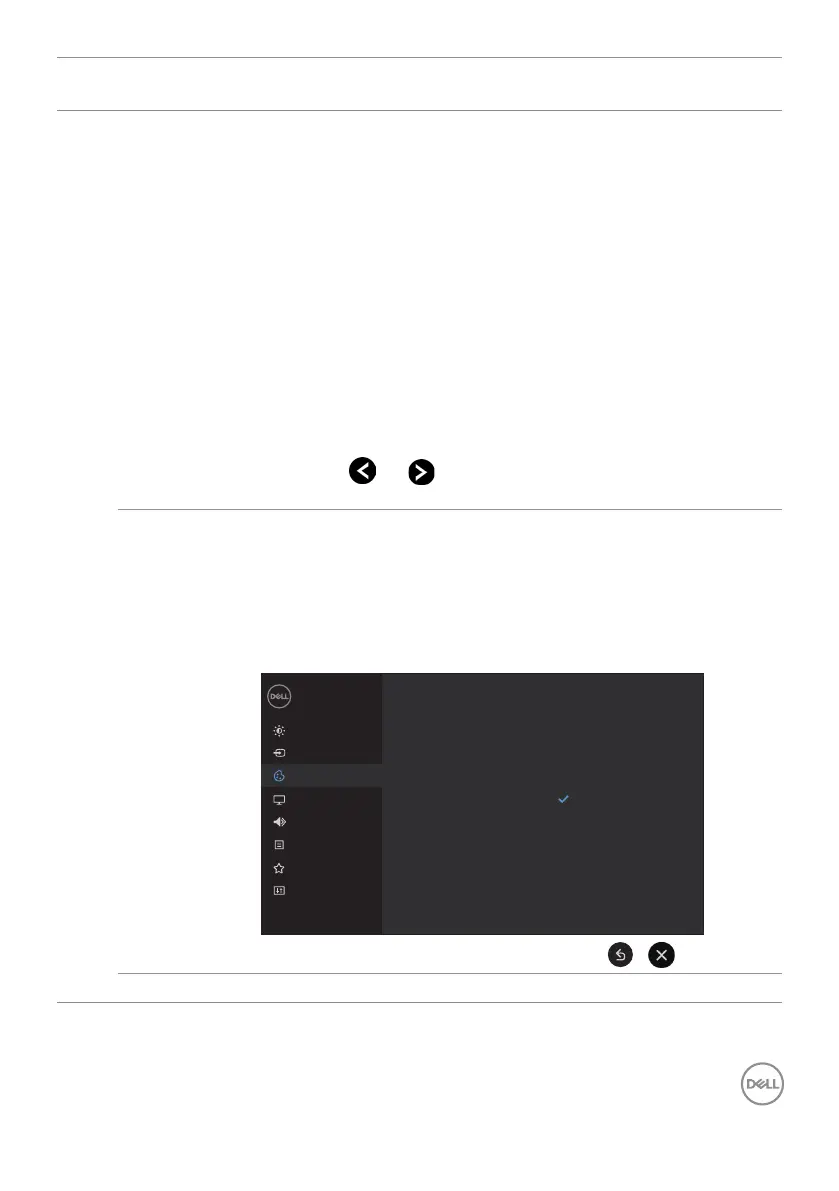
Input Color
Format
Allows you to set the video input mode to:
• RGB: Select this option if your display is connected to
a computer (or DVD player) using the HDMI, DP or USB
Type-C cable.
• YPbPr: Select this option if your DVD player supports only
YPbPr output.
Brightness/Contrast
Dell 65 Monitor
Others
Color
Display
Input Source
Audio
Menu
Personalize
Preset Modes
Input Color Format
Reset Color
RGB
YCbCr
Reset Color Resets your display’s color settings to the factory defaults.



 To Next Page