Table 21. System Configuration (continued)
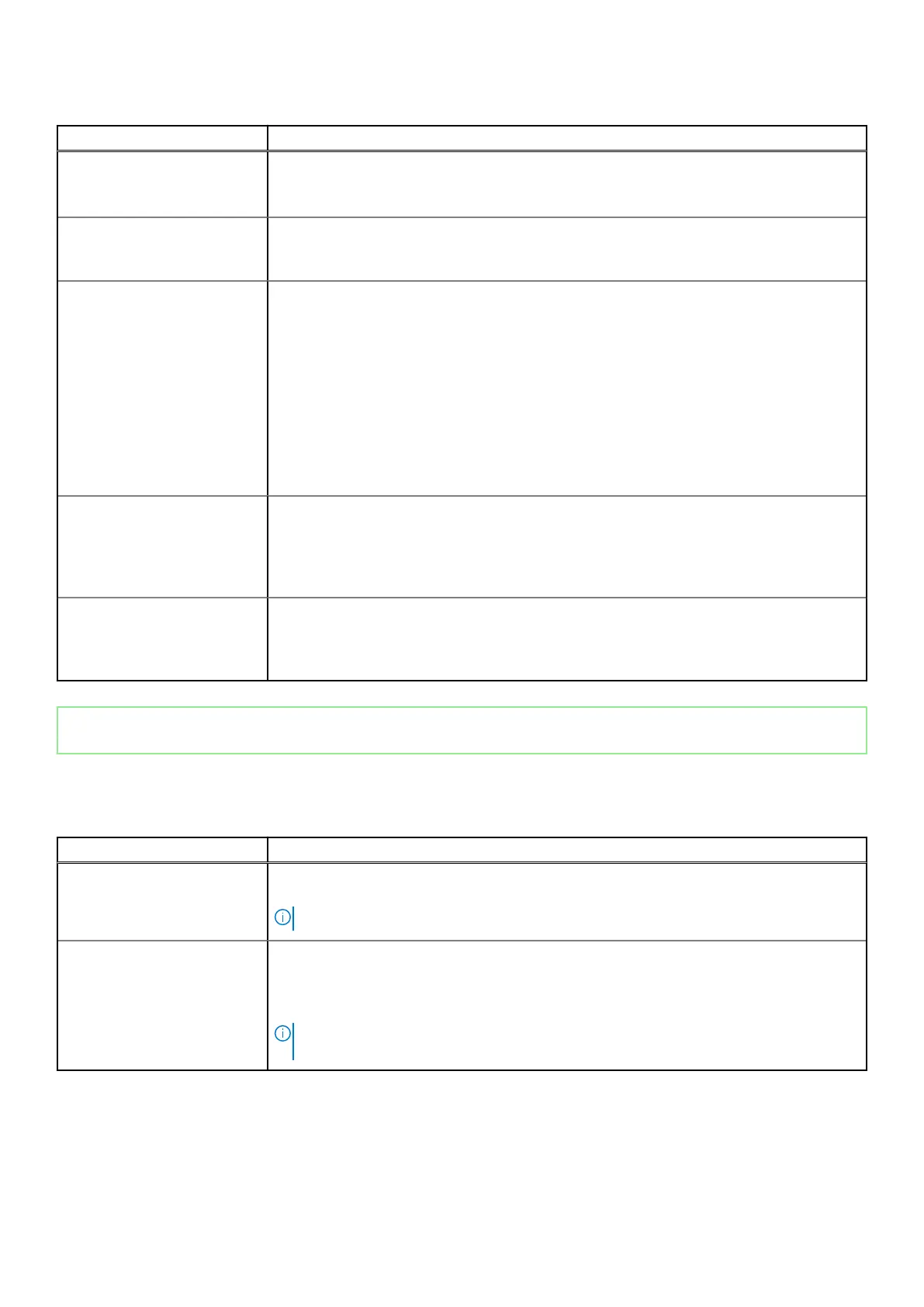
Option Description
● Security Level -User Authorization (Default)
● Security Level - Secure connect
● Security Level - DisplayPort Only
Audio Allows you to enable or disable the integrated audio controller. The option Enable Audio is
selected by default.
● Enable Microphone (Default)
Dust Filter Maintenance Allows you to enable or disable BIOS messages for maintaining the optional dust filter that
is installed on your computer. BIOS will generate a preboot reminder to clean or replace the
dust filter based on the interval set. The option Disabled is selected by default.
● Disabled
● 15 days
● 30 days
● 60 days
● 90 days
● 120 days
● 150 days
●
180 days
Miscellaneous devices Allows you to enable or disable various on board devices. The option Enable Secure Digital
(SD) Card is selected by default.
● Enable Secure Digital (SD) Card
● Secure Digital (SD) Card Boot
● Secure Digital (SD) Card Read-Only Mode
Front power button Allows you to enable or disable the power button on the front panel. The option Enable
Front Power button is selected by default.
● Enable Front power button
● Disabled Front power button
Identifier GUID-32DB9D6B-58A5-4EFD-B2F6-3E34BE18D5B4
Version 2
Status Released
Video screen options
Table 22. Video
Option Description
Multi-Display Allows you to enable or disable Multi-Display. It has to be enabled for Windows 7 or later.
● Enable Multi-Display (default)
NOTE: This feature is not applicable to other operating systems.
Primary Display Allows you to select the primary display when multiple controllers are available in the system.
● Auto (default)
● Intel HD Graphics
● ATI Radeon HD Graphics
NOTE: If you do not select Auto, the onboard graphics device will be present and
enabled.
System setup 43



 To Next Page