Factory Mode Introduction
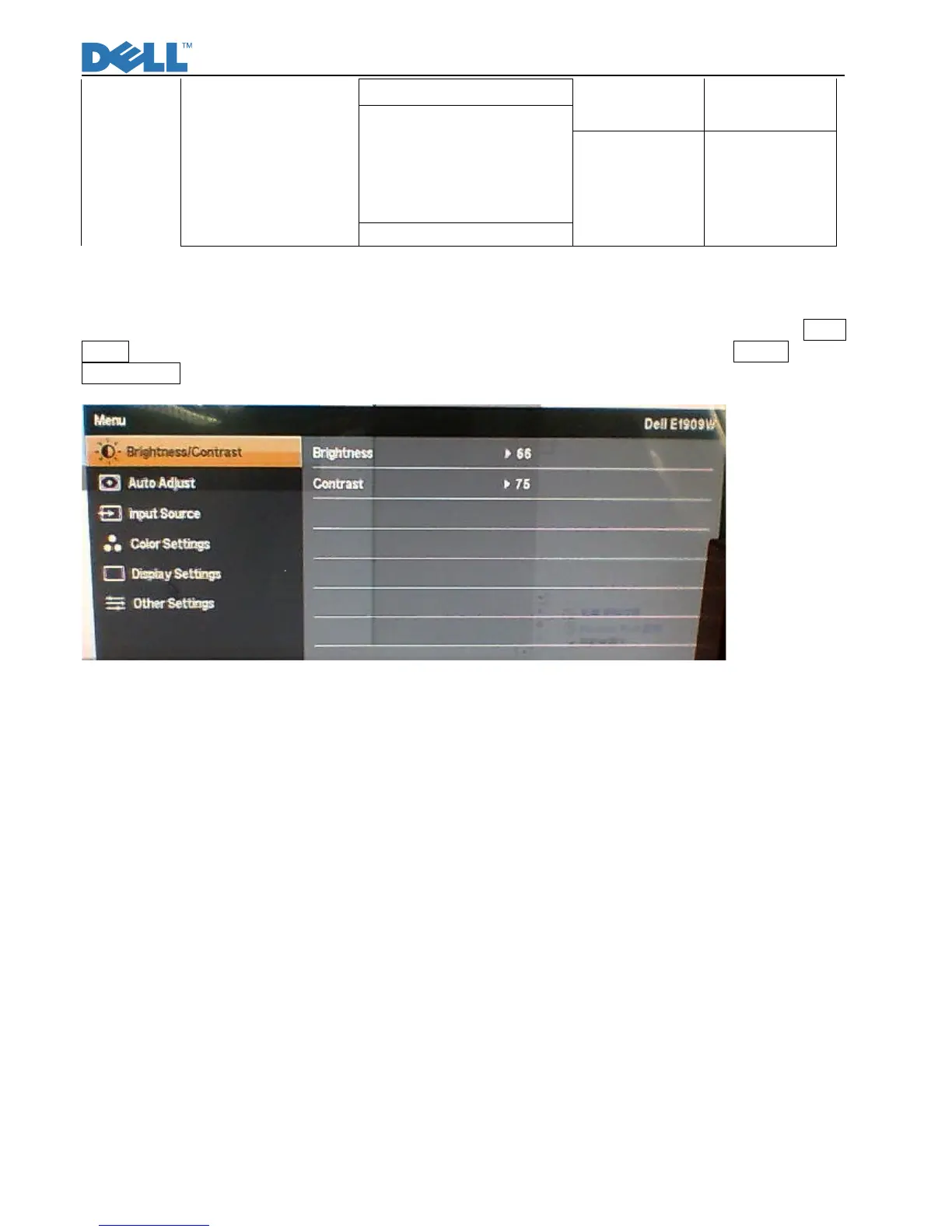
With signal input, press “Power” button to turn off the monitor. Press “Menu” and “Auto/Plus” buttons together,
and then press “Power” button to turn on the monitor. After power on, press “Menu” button to call out Main
Menu (Fig.9). Press “Plus Key”, select“Other Settings Menu”then pop submenu and choose Factory to enter
Factory mode (Fig.10).
Fig9



 To Next Page