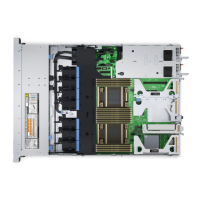
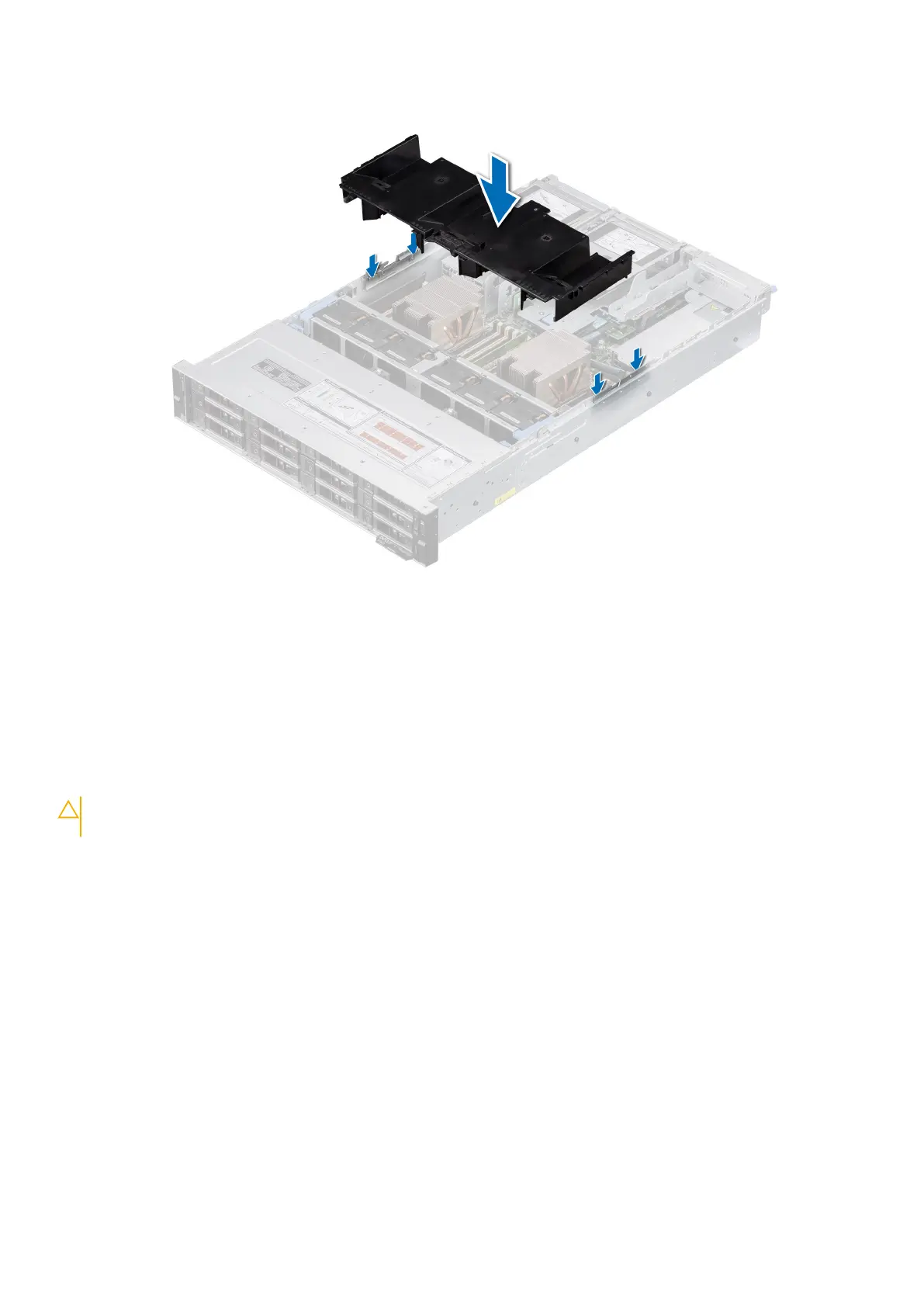
2. Lower the air shroud into the system until it is firmly seated.
Figure 42. Installing the air shroud
Next steps
1. Follow the procedure listed in After working inside your system.
Removing the GPU air shroud
Prerequisites
CAUTION:
Never operate your system with the air shroud removed. The system may get overheated quickly,
resulting in shutdown of the system and loss of data.
1. Follow the safety guidelines listed in the Safety instructions.
2. Follow the procedure listed in Before working inside your system.
Steps
Hold the edges of the GPU air shroud, and lift the air shroud out of the system.
Installing and removing system components
47

 To Next Page
 Loading...