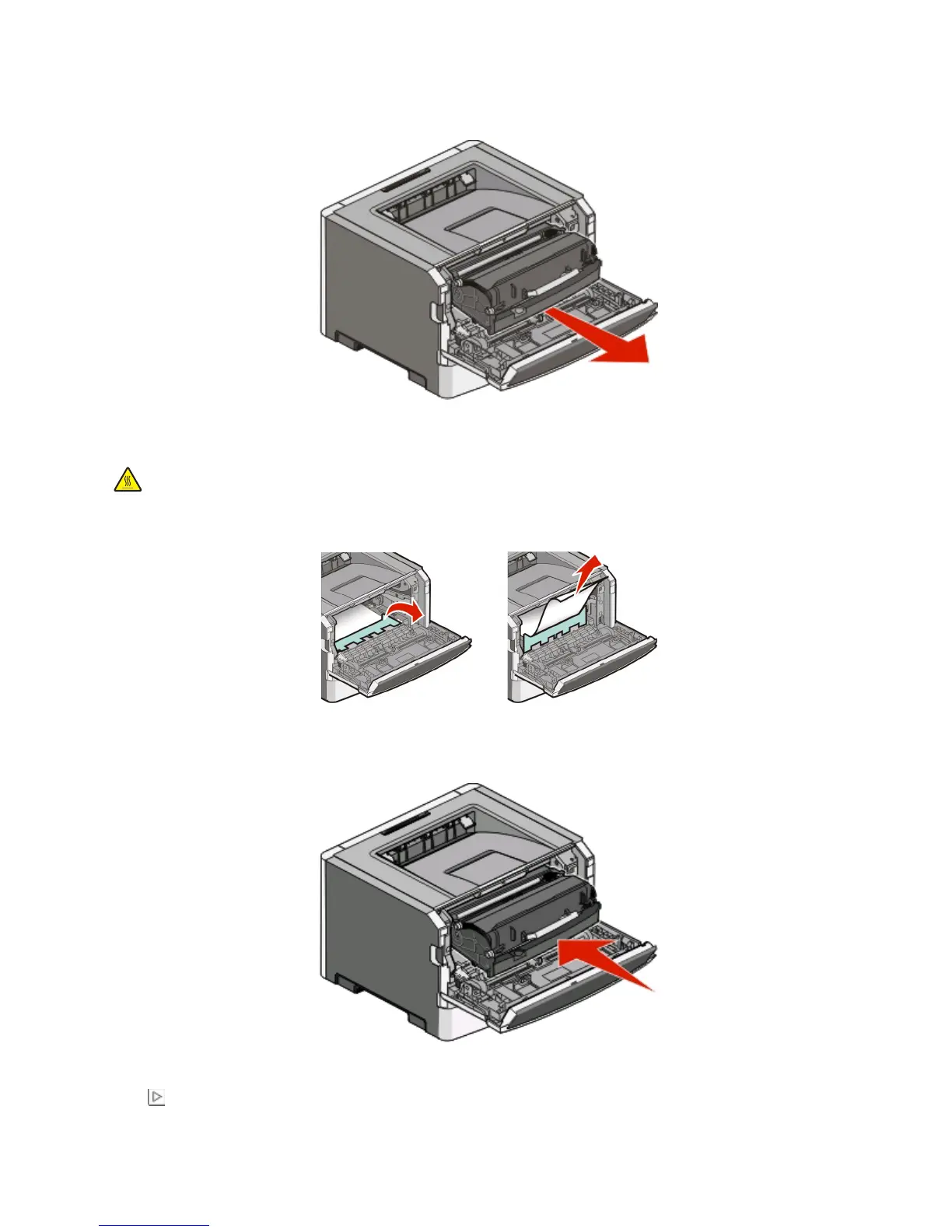
2 Lift and pull the unit containing the photoconductor kit and the toner cartridge out of the printer. Set the unit
aside on a flat, clean surface.
Warning—Potential Damage: Do not touch the photoconductor on the underside of the photoconductor kit.
Use the cartridge handle whenever you are holding the cartridge.
CAUTION—HOT SURFACE: The inside of the printer might be hot. To reduce the risk of injury from a hot
component, allow the surface to cool before touching.
3 Remove the jammed paper.
Note: If the paper is not easy to remove, then open the rear door to remove the paper.
4 Align and reinstall the unit.
5 Close the front door.
6 Press to continue printing.
Clearing jams
103












 To Next Page