Printing the printer settings configuration sheet
The printer settings configuration sheet shows the current configuration settings. It also provides instructions on
how to navigate through the configuration menus to select and save new settings. To print the printer settings
configuration sheet:
1 Turn the printer off.
2 Open the front door.
3 Press and hold as you turn the printer on.
All the lights cycle.
4 Release .
5 Close the front door.
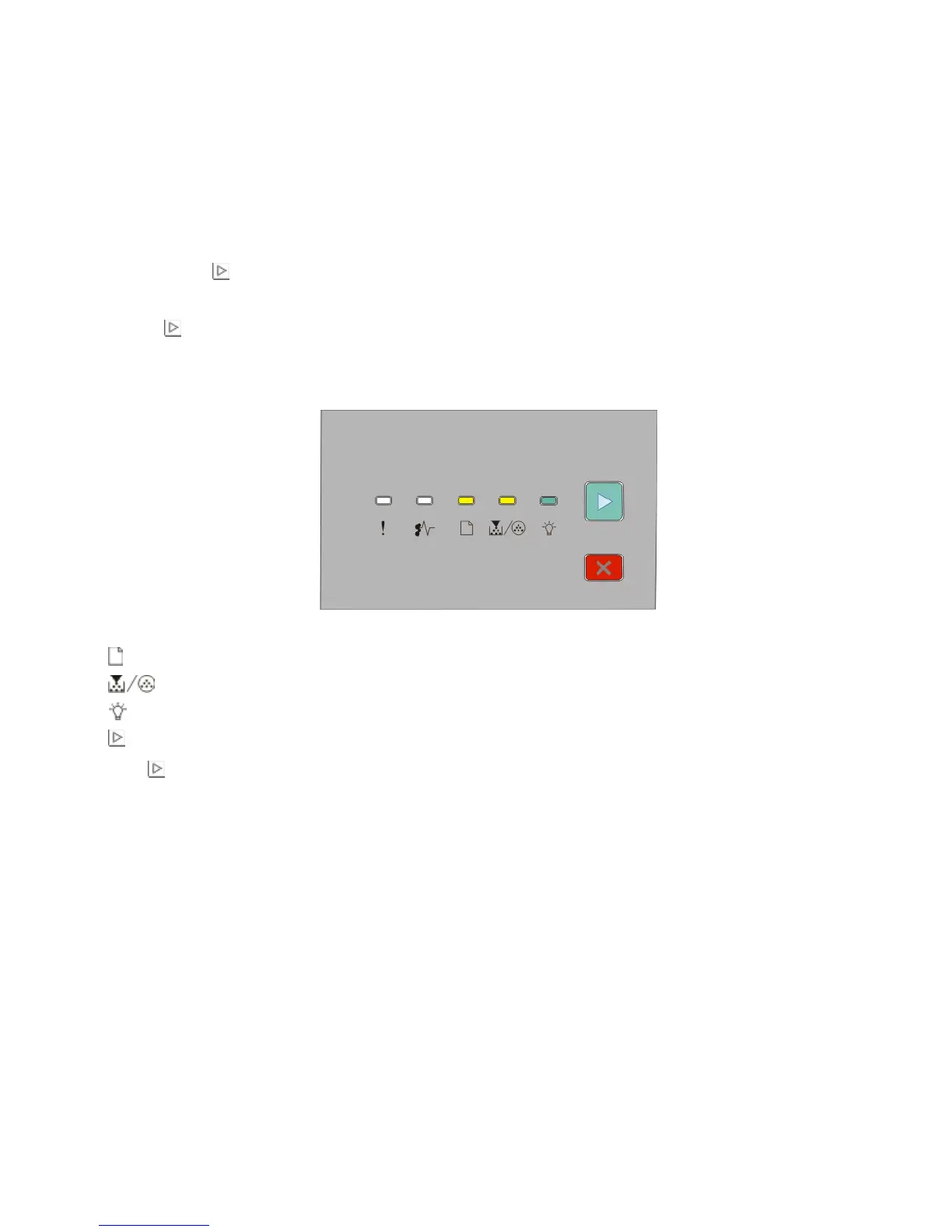
The light sequence representing the home menu appears.
Home Menu
- On
- On
- On
- On
6 Press until all the lights cycle.
The printer settings configuration sheet prints.
Note: The sheet prints only when the home menu light sequence is on.
Additional printer setup
38












 To Next Page