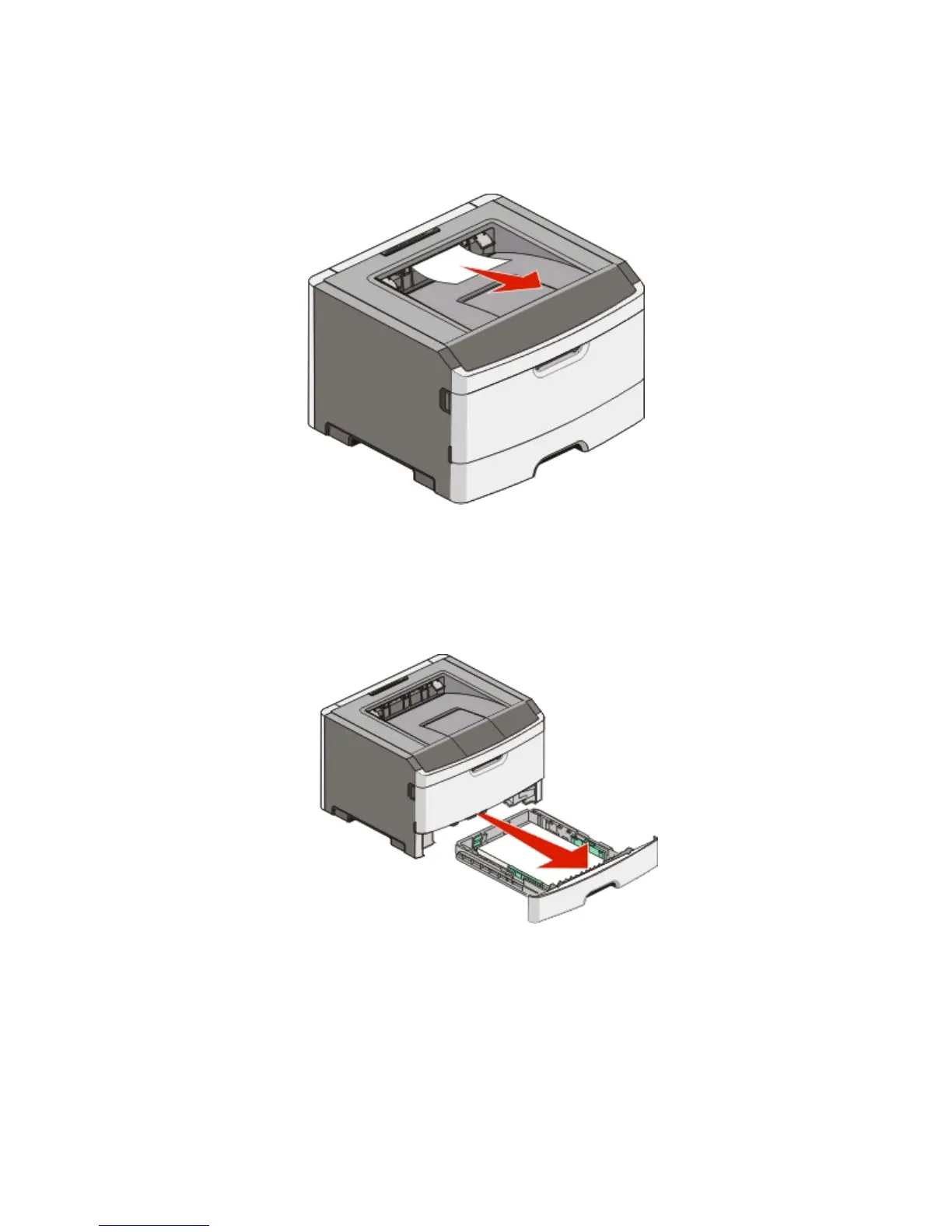
Clearing jams from the standard exit bin
A paper size that is not supported for duplex printing can jam the standard exit bin.
To remove the jam, gently pull the sheet straight out of the standard exit bin.
Clearing jams from Tray 1
To see whether paper is jammed in or behind Tray 1, the standard tray:
1 Remove Tray 1.
Clearing jams
104












 To Next Page