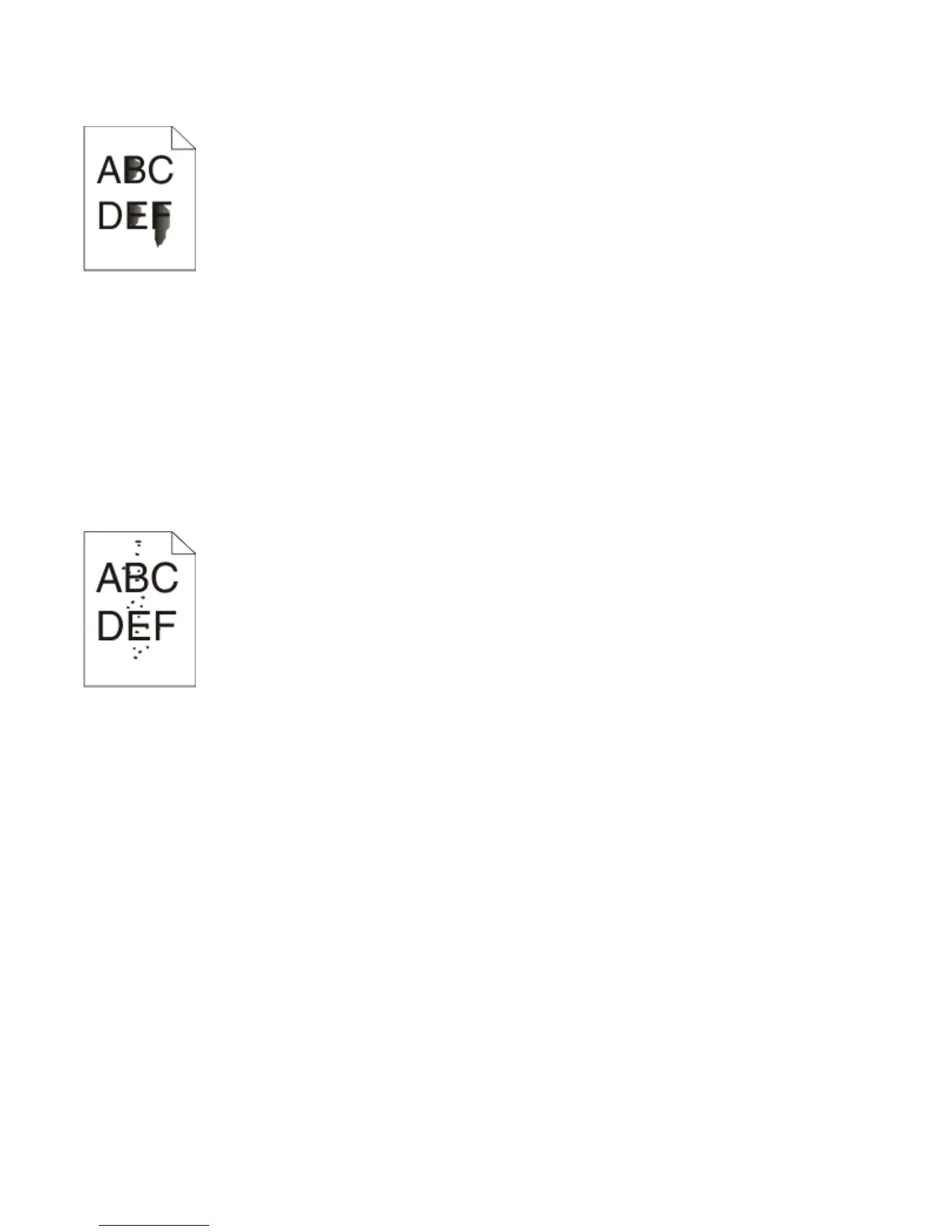
Toner rubs off
Try one or more of the following:
CHECK THE PAPER TYPE SETTING
Ensure that the Paper Type setting matches the paper loaded in the tray.
CHECK THE PAPER TEXTURE SETTING
Ensure that the Paper Texture setting matches the paper loaded in the tray.
Toner specks
Try one or more of the following:
THE TONER CARTRIDGE MAY BE DEFECTIVE
Replace the toner cartridge. For more information, see “Replacing the toner cartridge” on page 89.
THERE IS TONER IN THE PAPER PATH
Contact Customer Support.
Transparency print quality is poor
C
HECK THE TRANSPARENCIES
Use only the recommended transparencies. For more information, see “Tips on using transparencies” on
page 82.
CHECK THE PAPER TYPE SETTING
Load the transparencies, and ensure that the Paper Type setting is set to Transparency.
Troubleshooting
120












 To Next Page