3 Reinsert the cartridge, and continue printing.
Note: Repeat this procedure multiple times until the print remains faded, and then replace the cartridge.
Replacing supplies
Replacing the toner cartridge
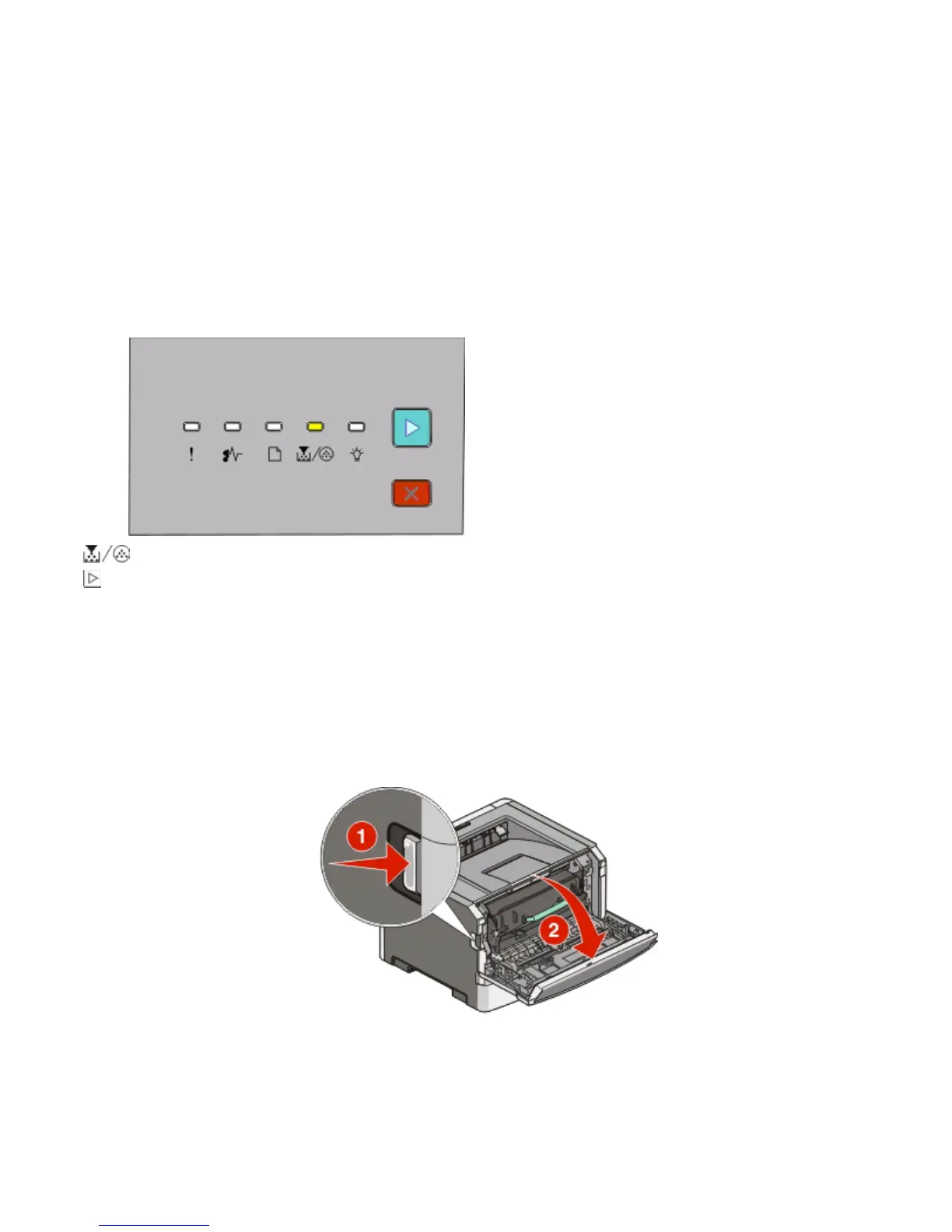
Light sequence
Toner is low
- On
- On
When the “Toner is low” light sequence appears or when you experience faded print, remove the toner cartridge.
Firmly shake it side-to-side and front-to-back several times to redistribute the toner, and then reinsert it and continue
printing. When shaking the cartridge no longer improves the print quality, replace the toner cartridge.
Note: You can estimate how much toner is left in your cartridge by printing a menu settings page. For more
information, see “Printing the menu settings page” on page 84.
To replace the toner cartridge:
1 Open the front door by pressing the button on the left side of the printer and lowering the door.
Maintaining the printer
89












 To Next Page