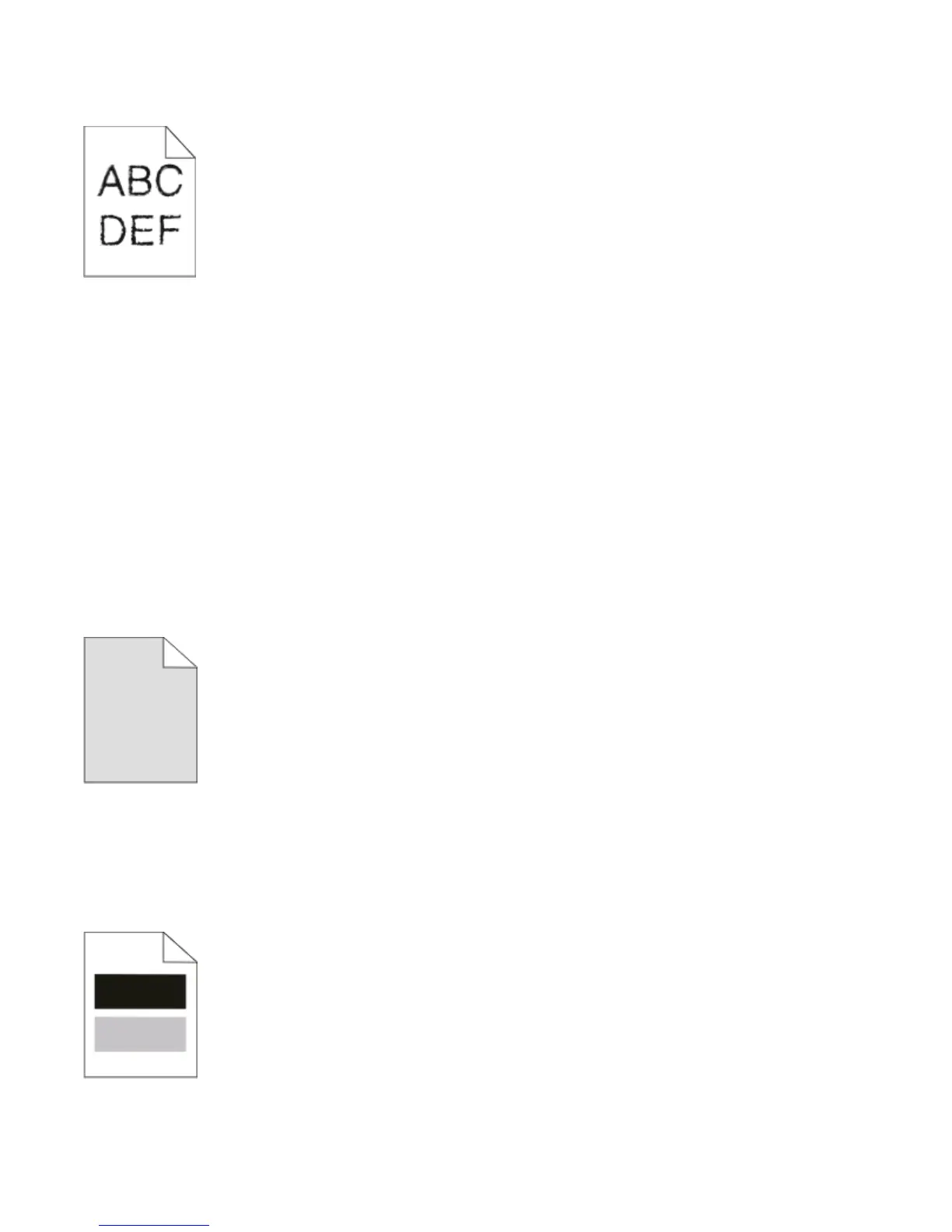
Characters have jagged or uneven edges
If you are using downloaded fonts, verify that the fonts are supported by the printer, the host computer, and the
software program.
Clipped images
Try one or more of the following:
CHECK THE PAPER GUIDES
Move the guides in the tray to the correct positions for the paper size loaded.
CHECK THE PAPER SIZE SETTING
Ensure that the Paper Size setting matches the paper loaded in the tray.
Gray background
If the printer is connected to a computer by a USB or parallel cable, open the Local Printer Settings Utility for Windows
or Printer Settings for Macintosh.
From the Quality menu, select a reduced Toner Darkness setting before sending the job to print.
Ghost images
Try one or more of the following:
Troubleshooting
116












 To Next Page