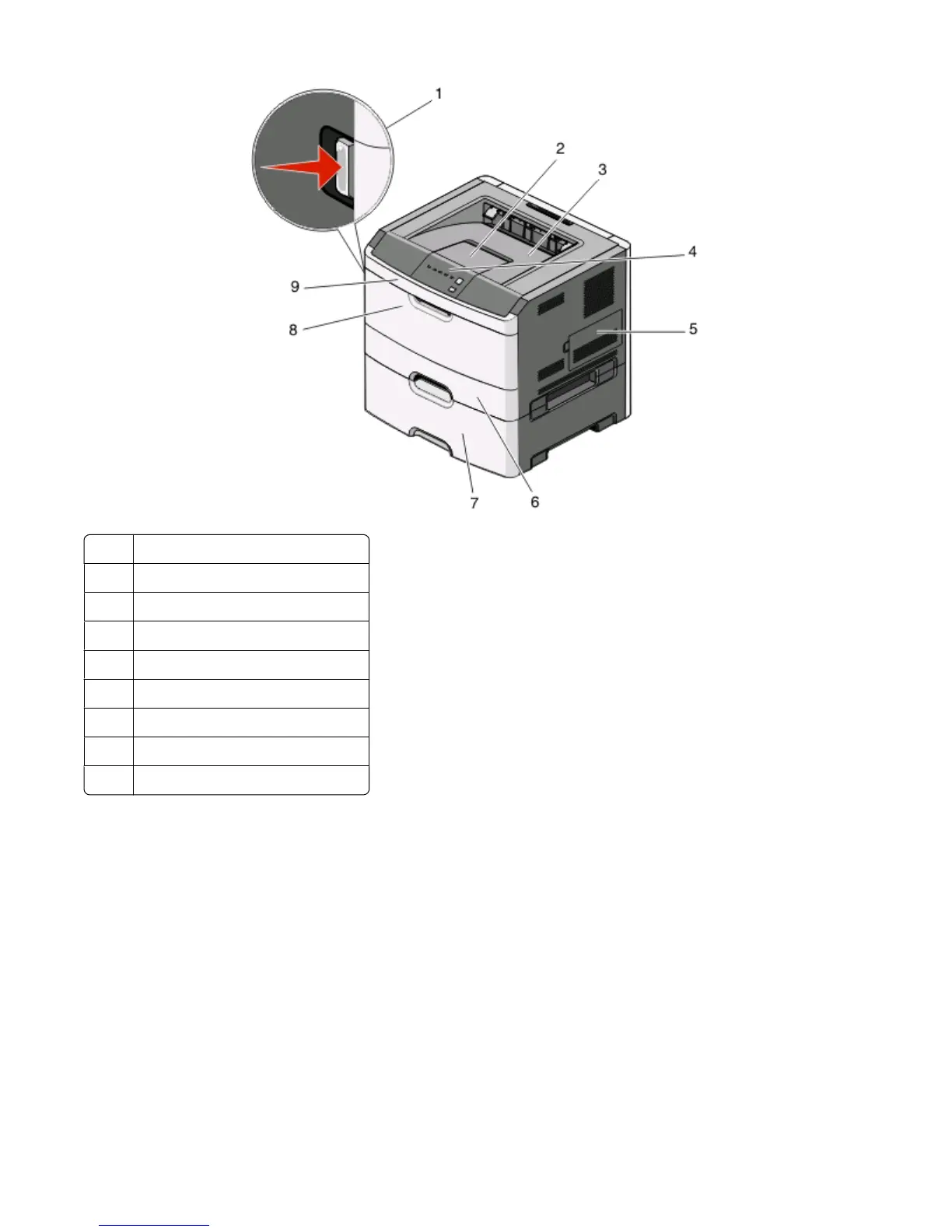
1 Front door release button
2
Paper stop
3 Standard exit bin
4
Printer control panel
5
System board door
6
Standard 250-sheet tray (Tray 1)
7
Optional 550-sheet drawer (Tray 2)
8 Manual feeder door
9
Front door
Understanding the printer control panel
The printer control panel features six lights and two buttons.
Learning about the printer
13












 To Next Page