Back to Contents Page
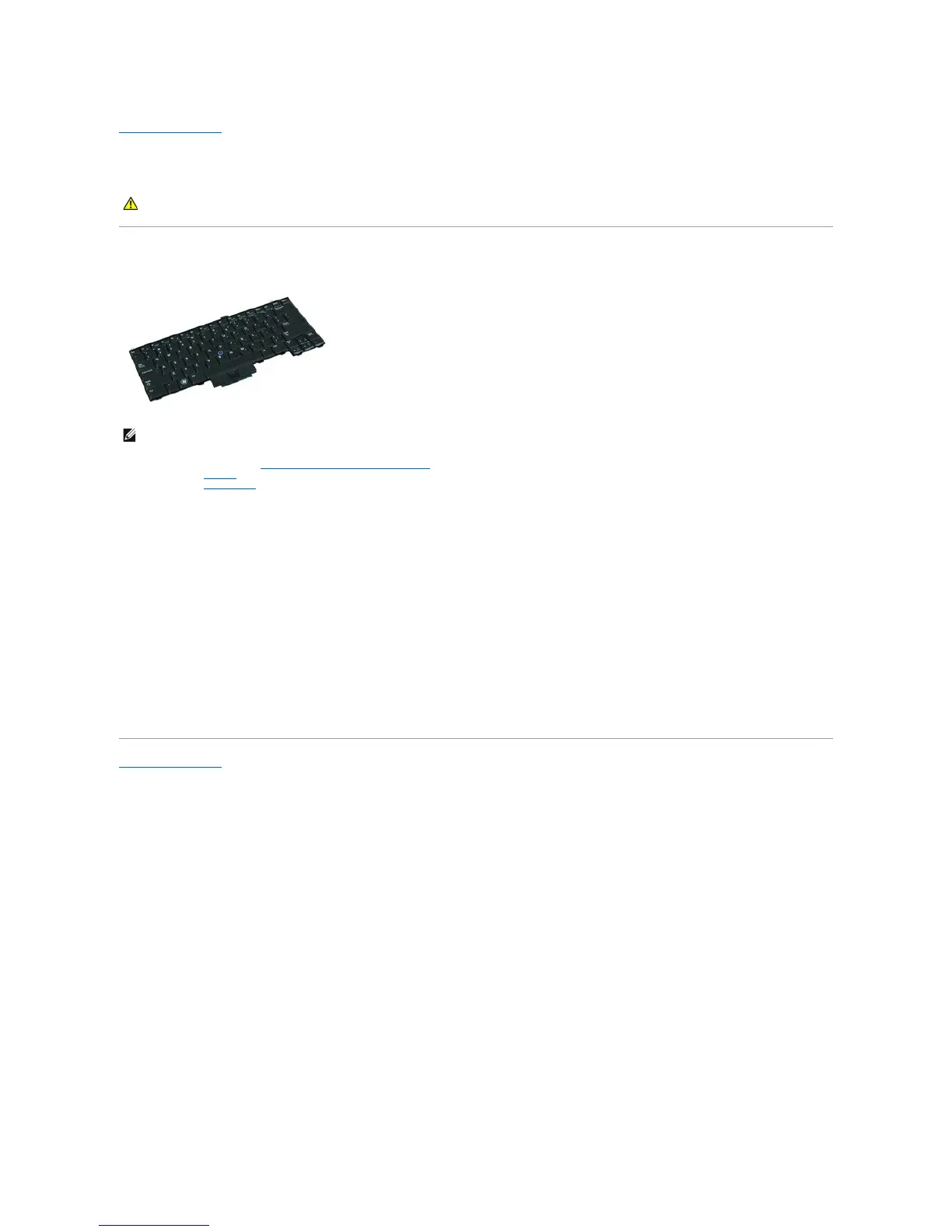
Keyboard
Dell Latitude E4310 Service Manual
Removing the Keyboard
1. Follow the procedures in Before Working Inside Your Computer.
2. Remove the battery.
3. Remove the LED covers.
4. Flip the computer over with the right side facing down.
5. Remove the screws that secure the keyboard to the bottom of the computer.
6. Flip the computer over with the right side facing up.
7. Remove the screws that secure the keyboard to the computer.
8. Gently lift up the keyboard to release the snaps on the left and right side of the keyboard and slide the keyboard out of the computer.
Replacing the Keyboard
To replace the keyboard, perform the above steps in reverse order.
.
Back to Contents Page
WARNING: Before working inside your computer, read the safety information that shipped with your computer. For additional safety best
practices information, see the Regulatory Compliance Homepage at www.dell.com/regulatory_compliance.















 To Next Page