Removing and installing components
NOTE: The images in this document may differ from your computer depending on the configuration you ordered.
Topics:
• Recommended tools
• Screw size list
• Tower motherboard layout
• Side cover
• Bezel
• Front panel door
• Hard drive assembly—3.5-inch and 2.5-inch
• Optical drive
• M.2 PCIe SSD
• SD card reader
• Memory module
• Expansion card
• Optional VGA module
• Power supply unit
• Intrusion switch
• Power button
• Speaker
• Coin cell battery
• Heat sink fan
• Heat sink
• Processor
• System fan
• System board
Recommended tools
The procedures in this document require the following tools:
● Small flat blade screwdriver
● Phillips # 1 screwdriver
●
Small plastic scribe
Screw size list
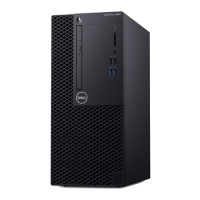
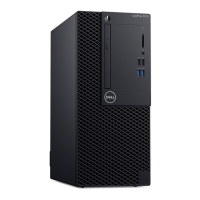
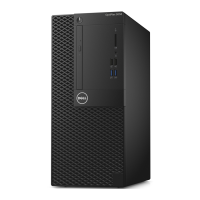
Table 2. OptiPlex 3070 MT
Component Secured to Screw type Quantity Image
Side cover System chassis
#6.32X8.0
2
3
Removing and installing components 13




 To Next Page
