Installing a Hard Drive
1. Unpack the replacement hard drive, and prepare it for installation.
2. Check the documentation for the drive to verify that it is configured for your computer.
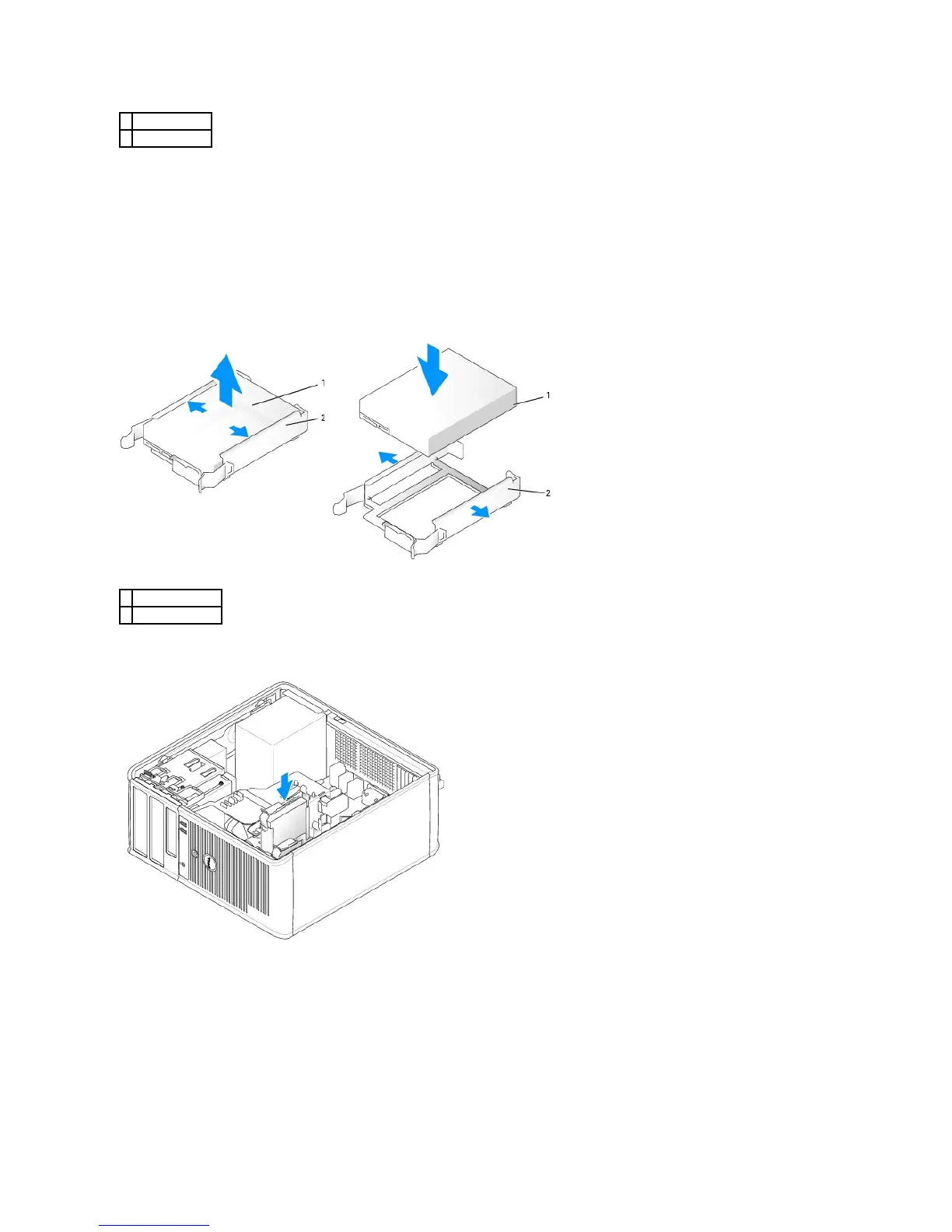
3. If your replacement hard drive does not have the plastic hard-drive bracket attached, remove the bracket from the existing drive by unsnapping it from
the drive.
Snap the bracket onto the new drive.
4. Gently slide the hard drive into the drive bay until it clicks into place.
5. Connect the power and data cables to the drive.













 To Next Page