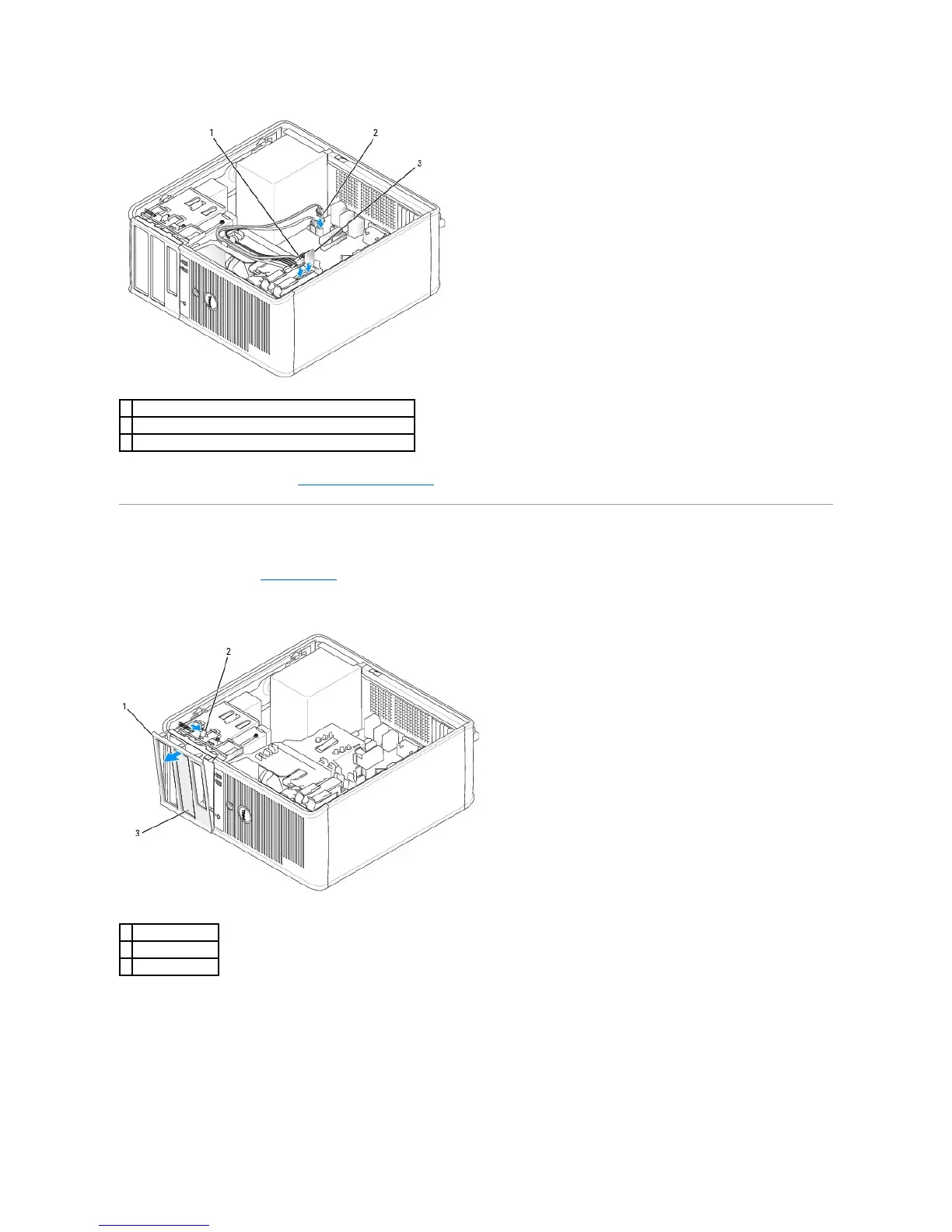
10. Replace the computer cover (see Replacing the Computer Cover).
Drive-Panel Inserts
1. Follow the procedures in Before You Begin.
2. Remove the drive panel by sliding the drive release latch downward to open the panel. Then, remove the drive panel from the hinges.
3. Find the drive-panel insert in front of the drive bay that you want to use.
4. Gently press the release tab of the insert to remove it from the drive panel.













 To Next Page